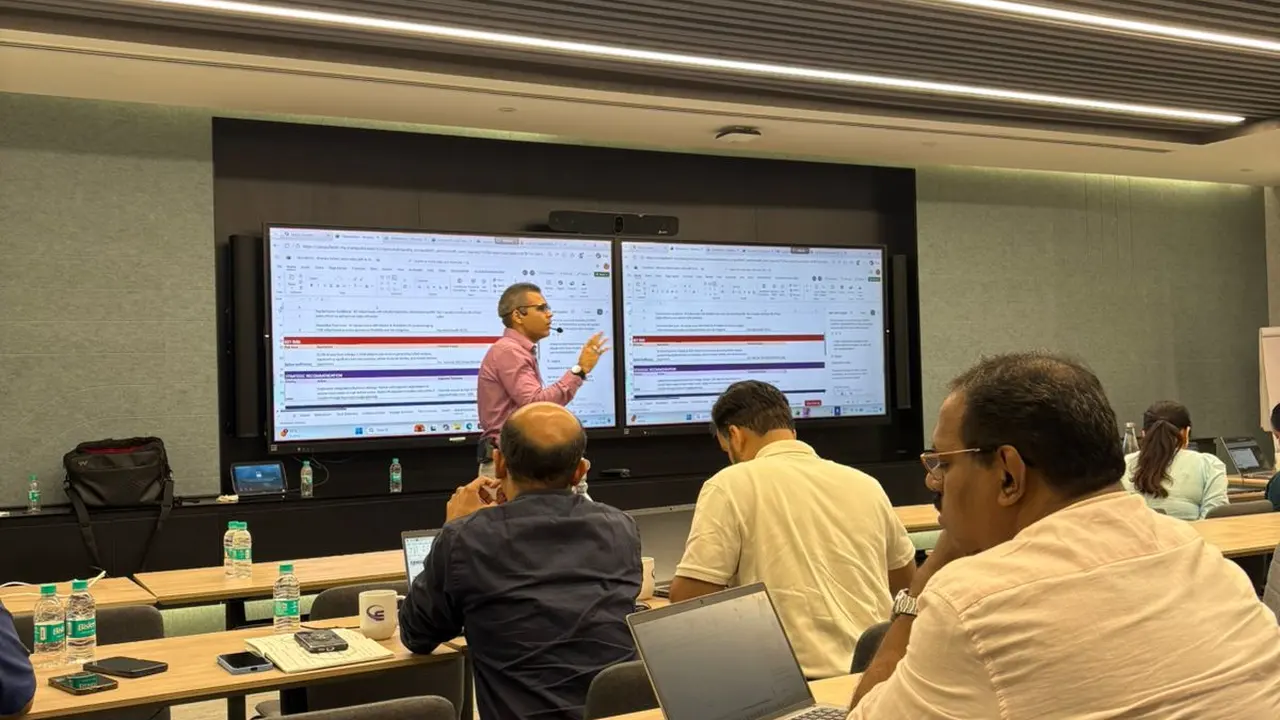

Course content
Full course content
13 modules, 53 topics.
1
Professional Advanced Excel Syllabus & Training
- Customizing common options in Excel
- Absolute and relative cells
- Protecting and un-protecting worksheets and cells
2
Advanced Excel Course - Working with Functions
- Writing conditional expressions (using IF)
- Using logical functions (AND, OR, NOT)
- Using lookup and reference functions (VLOOKUP, HLOOKUP, MATCH, INDEX)
- VLOOKUP with Exact Match, Approximate Match
- Nested VLOOKUP with Exact Match
- VLOOKUP with Tables, Dynamic Ranges
- Using VLOOKUP to consolidate Data from Multiple Sheets
3
Advanced Excel Course - Data Validations
- Specifying a valid range of values for a cell
- Specifying a list of valid values for a cell
- Specifying custom validations based on formula for a cell
4
Advanced Excel Course - Working with Templates
- Designing the structure of a template
- Using templates for standardization of worksheets
5
Advanced Excel Course - Sorting and Filtering Data
- Sorting tables
- Using multiple-level sorting
- Using custom sorting
- Filtering data for selected view (AutoFilter)
- Using advanced filter options
6
Advanced Excel Course - Working with Reports
- Creating subtotals
- Multiple-level subtotals
- Creating Pivot tables
- Formatting and customizing Pivot tables
- Using advanced options of Pivot tables
- Pivot charts
- Consolidating data from multiple sheets and files using Pivot tables
- Using external data sources
- Using data consolidation feature to consolidate data
- Show Value As ( % of Row, % of Column, Running Total, Compare with Specific Field)
- Viewing Subtotal under Pivot
- Creating Slicers ( Version 2010 & Above)
7
Advanced Excel Course - More Functions
- Date and time functions
- Text functions
- Database functions
- Power Functions (CountIf, CountIFS, SumIF, SumIfS)
8
Advanced Excel Course - Formatting
- Using auto formatting option for worksheets
- Using conditional formatting option for rows, columns and cells
9
Advanced Excel Course - Macros
- Relative & Absolute Macros
- Editing Macros
10
Advanced Excel Course - WhatIf Analysis
- Goal Seek
- Data Tables
- Scenario Manager
11
Advanced Excel Course - Charts
- Using Charts
- Formatting Charts
- Using 3D Graphs
- Using Bar and Line Chart together
- Using Secondary Axis in Graphs
- Sharing Charts with PowerPoint / MS Word, Dynamically
- (Data Modified in Excel, Chart would automatically get updated)
12
Advanced Excel Course - New Features Of Excel
- Sparklines, Inline Charts, data Charts
- Overview of all the new features
13
Advanced Excel Course - Final Assignment
- The Final Assignment contains questions to be solved at the end of the Course