• Kemps Corner (H.O) - +91 9820134058


  • Bandra (W) - +91 9322755916


Not Present
Not Present

LIVE ONLINE INTERACTIVE TRAINING

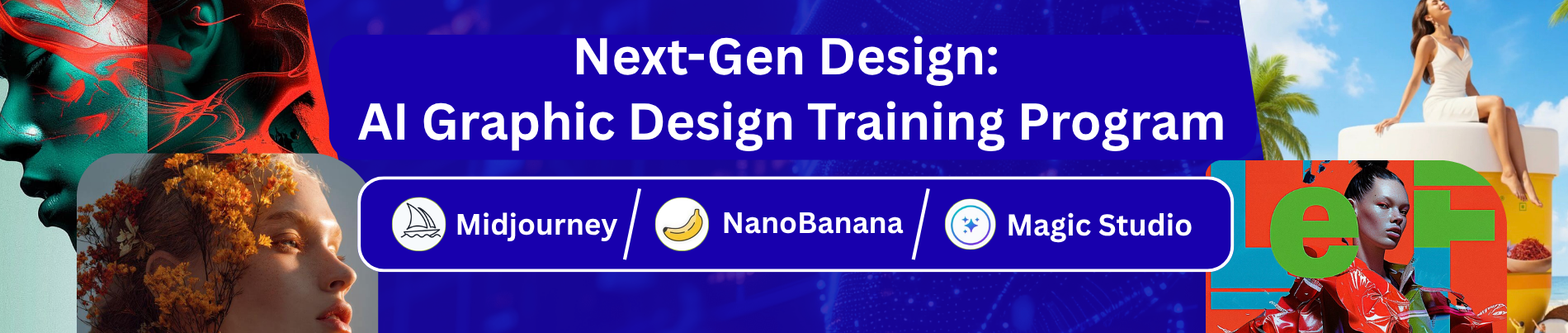
AI Based Design Program
Learn Illustrator, Photoshop & AI Tools in Mumbai

We are entering a new era of design-where creativity is no longer limited to manual skills alone. With the rise of Artificial Intelligence, designers today are expected to blend traditional tools like Adobe Illustrator and Photoshop with modern AI-powered platforms such as Midjourney, Canva AI, and advanced image prompting techniques.

At Compufield, Mumbai, we have designed a practical, industry-relevant AI Based Design Program that helps students, professionals, and entrepreneurs stay ahead of this transformation. This program is not just about learning software-it's about understanding how design workflows are evolving with AI.

Whether you are a beginner or someone looking to upgrade your design skills, this course gives you a structured path-from fundamentals to advanced AI-assisted creativity.

 
  1. Kemps Corner
  2. Bandra (W)

Book a Free Demo Class for AI Based Design Course in Mumbai


Why Choose This Course
Industry-focused AI design training in Mumbai
Combination of traditional + AI tools
Hands-on practical sessions with real design projects
Individual attention with small batch sizes
Suitable for students, freelancers, marketers & professionals
Graphic designers wanting to upgrade with AI
AI BASED
DESIGN
MODULE

Module 1: Basics of Graphic Design

This module explains the foundation of design such as color, typography, layout, and balance. Students learn how to combine text and images to create attractive visuals. It builds understanding of design principles used in posters, ads, and social media. Focus is on creativity and visual communication.

  • Understanding design principles (color, typography, layout)
  • Introduction to digital graphics & formats
  • Working with design compositions
  • Basics of branding and visual communication

Module 2: Adobe Illustrator (Vector Design)

Adobe Illustrator is used to create vector graphics like logos, icons, and illustrations. Designs made here can be resized without losing quality. Students learn tools like pen tool, shapes, and colors. Useful for branding and professional design work.

  • Introduction to Illustrator interface & tools
  • Creating logos, icons, and vector graphics
  • Working with shapes, paths, and typography
  • Color theory and gradients
  • Exporting for print and digital use

Module 3: Adobe Photoshop (Image Editing)

Adobe Photoshop is used for editing photos and creating graphics. Students learn to retouch images, remove backgrounds, and apply effects. It is widely used in photography and digital design. Helps improve image quality and creativity.

  • Image editing and retouching techniques
  • Working with layers, masks, and filters
  • Background removal and manipulation
  • Social media creatives and ad designs
  • Designing marketing visuals

Module 4: AI for Image Generation (Prompting Skills)

This module teaches how to create images using AI by writing prompts (text instructions). Students learn how to describe images clearly to get better results. Focus is on creativity and experimenting with ideas. Useful for fast content creation and design support.

  • Fundamentals of AI in design
  • How prompting works (text-to-image concepts)
  • Writing effective prompts for better outputs
  • Understanding styles, lighting, and composition
  • Prompt engineering for real-world design use

Module 5: Midjourney & Generative AI Tools

Midjourney is an AI tool that creates high-quality images from text prompts. Students explore different styles like realistic, cartoon, and artistic designs. Also covers other AI tools used in design industry. Helps in creating unique visuals quickly.

  • Introduction to Midjourney interface and workflow
  • Creating high-quality AI-generated images
  • Style variations and iterations
  • Commercial use of AI-generated designs
  • Combining AI outputs with Photoshop

Module 6: Canva AI & Smart Design Tools

Canva is an easy-to-use design tool with AI features. Students learn to create posters, social media posts, and presentations. AI helps with auto design, text suggestions, and image generation. Good for beginners and quick designs.

  • Using Canva AI for quick design creation
  • Magic Design, text-to-image, and automation tools
  • Creating presentations, posts, and branding kits
  • Designing faster with templates + AI enhancement
  • Real-world use cases for business and social media

Module 7: Nano Banana & Emerging AI Tools

This module introduces new and upcoming AI tools like Nano Banana. Students learn about latest trends in AI-based design. Focus is on exploring new tools and staying updated. Encourages innovation and future-ready skills.

  • Overview of new AI tools in the design industry
  • Exploring Nano Banana for creative workflows
  • Comparing AI tools for different use cases
  • Staying updated with evolving AI trends

Course Outcome

By the end of this program, you will be able to:

  • Design professional creatives using Illustrator & Photoshop
  • Generate high-quality images using AI tools
  • Use prompting effectively for creative outputs
  • Combine traditional design + AI workflows
  • Build a portfolio for freelance or job opportunities

Course Fee

Course Duration Course Fees Fees (US $)
90 sessions of 1 hr. each 18,000/- $249
Enquire About The Course
