Certificate in Office Automation
MS Word, Excel and PowerPoint for office work
WordExcelPowerPoint
₹9,50025 hrs · Classroom fee
Instructor-led Claude AI training in five levels, from first prompts to automating your work.
View the course →Explore all AI courses →
Home › Courses › Office Automation › Microsoft Word Course
Classroom training · Kemps Corner & Bandra (W)10 hours · Classroom training · Free demo session
Professional documents, letters and reports. Hands-on with a trainer beside you, at Kemps Corner or Bandra (W).
Microsoft tools you'll learn
Course content
Microsoft Word is a simple yet powerful word-processing application, allowing you to create documents and format them as per your requirements. This program exposes you to the important and powerful features of Microsoft Word that are useful for day-to-day work, as well as some advanced features that save time.
Understanding the Word interface (Ribbon, Tabs, Quick Access Toolbar) · File types and compatibility in Office 365 · Creating, opening, saving, and sharing documents · +1 more
Entering, selecting, editing, and deleting text · Cut, copy, paste, and paste special options · Find and replace for quick editing · +1 more
Font styles, sizes, colors, and text effects · Paragraph alignment, indentation, and spacing · Bullets and numbered lists · +1 more
Page size, orientation, and margins · Page breaks and section basics · Headers and footers (simple use) · +1 more
Creating and modifying tables · Inserting and deleting rows and columns · Formatting tables for readability · +1 more
Inserting pictures and icons · Basic image formatting and text wrapping · Inserting shapes and SmartArt (introductory level) · +1 more
Spelling and grammar check · Thesaurus and word count · Basic comments and track changes (introduction only) · +1 more
Saving documents in different formats (DOCX, PDF) · Basic document protection · Sharing documents via Office 365 · +1 more
Hands-on, practical approach · Simple explanations with productivity tips · Confidently create and format documents · +1 more
Before you start: Basic computer knowledge.
Fees and options
This course is highlighted. Every course starts with a free demo session.
MS Word, Excel and PowerPoint for office work
Fees shown are for classroom training at Kemps Corner and Bandra (W). Live online sessions have different fees: call or WhatsApp +91 98201 34058 (Kemps Corner) or +91 98333 61338 (Bandra (W)).
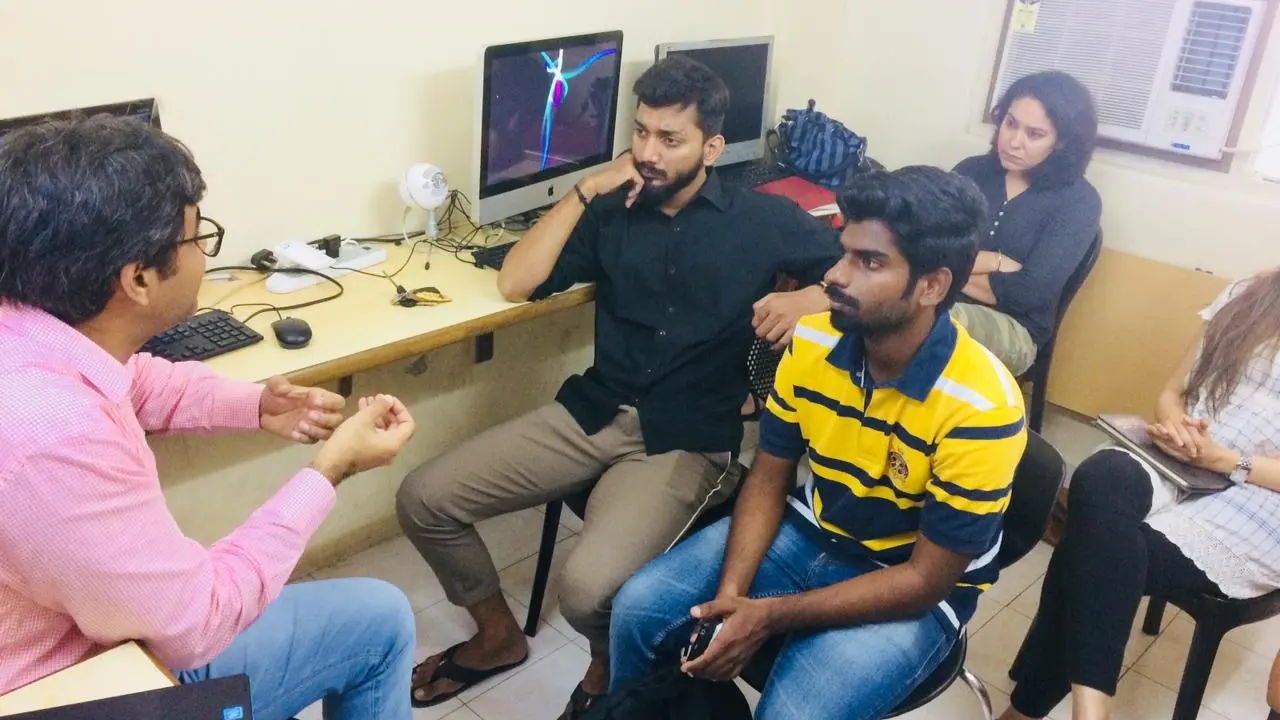
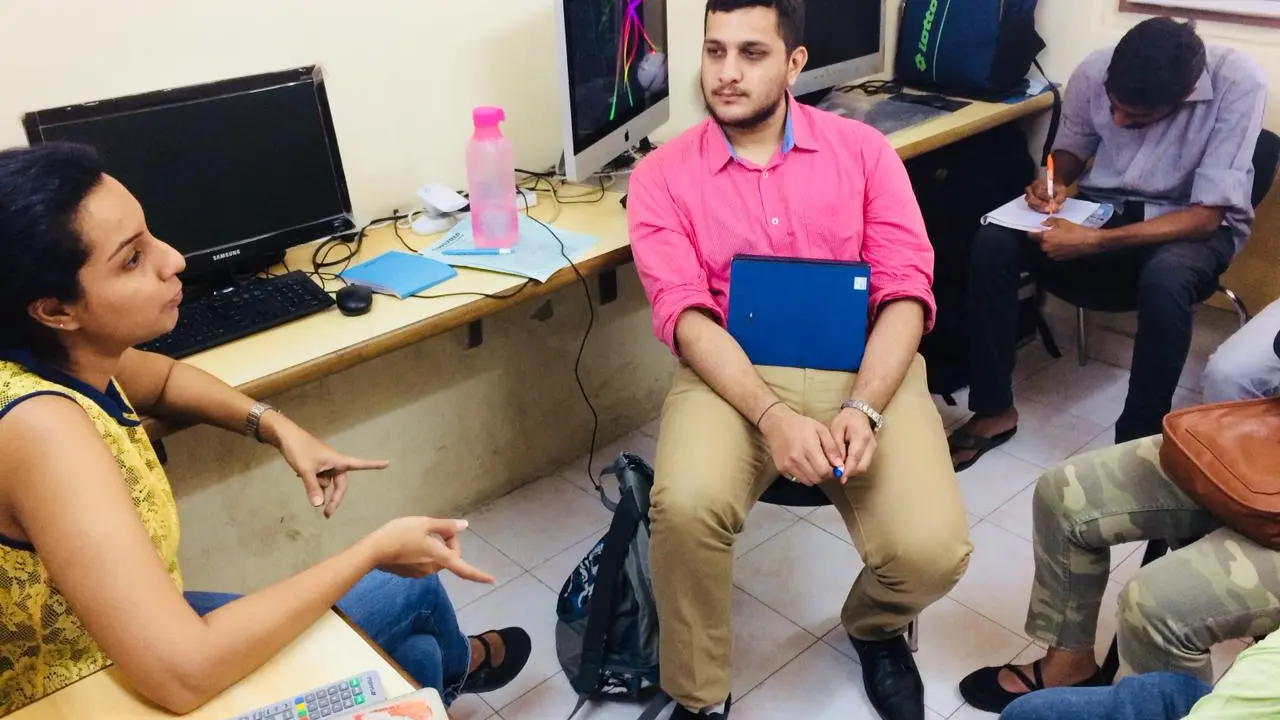
Learn Word, Excel and PowerPoint togetherThe Certificate in Office Automation covers all three.Certificate course →Inside our classrooms
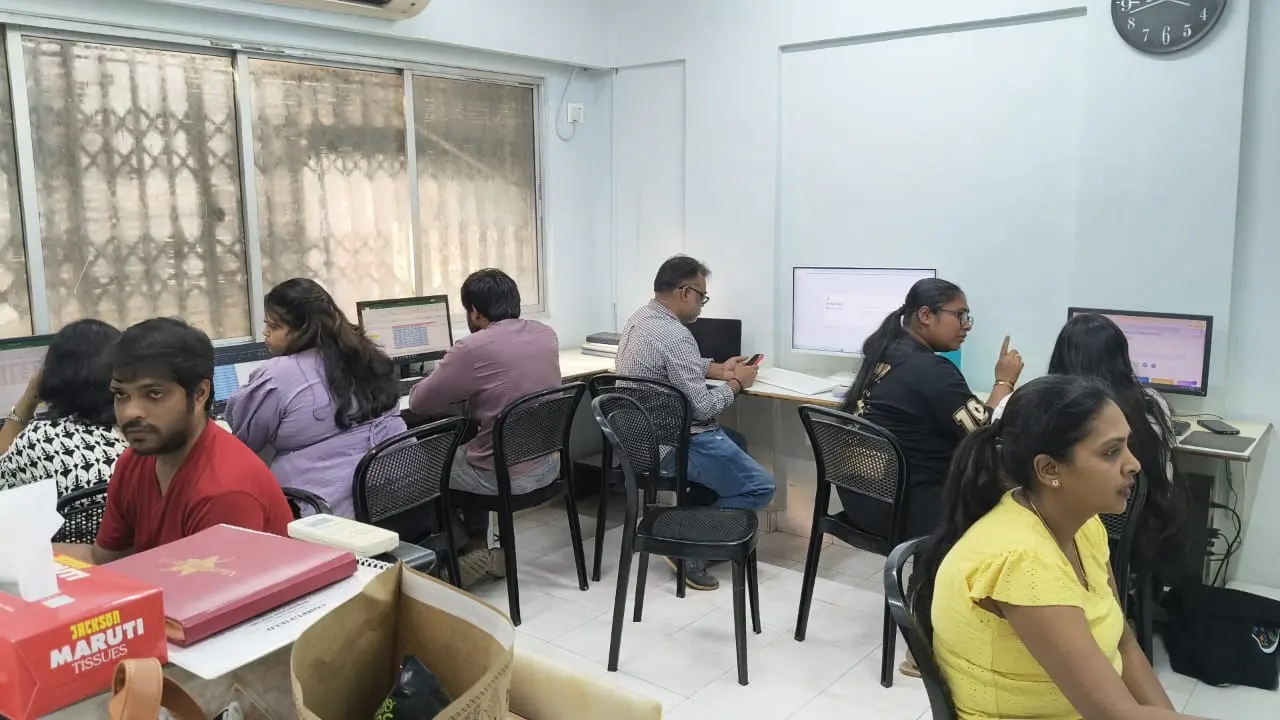
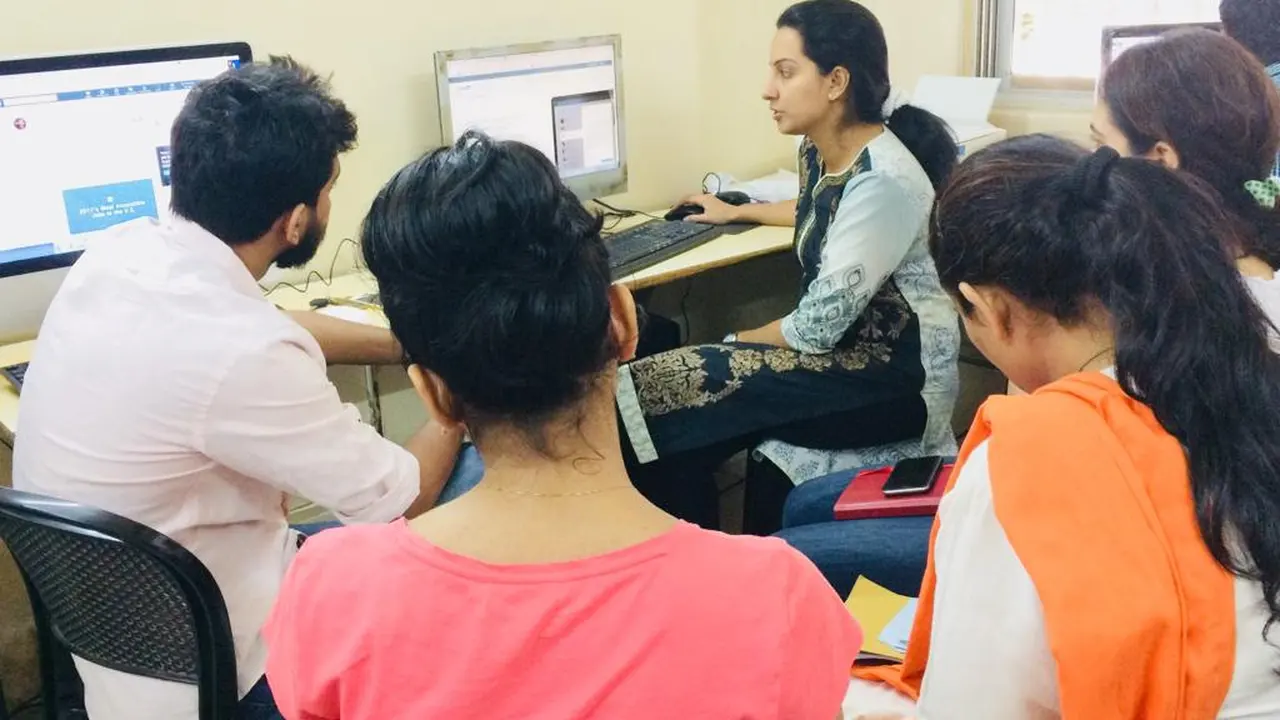
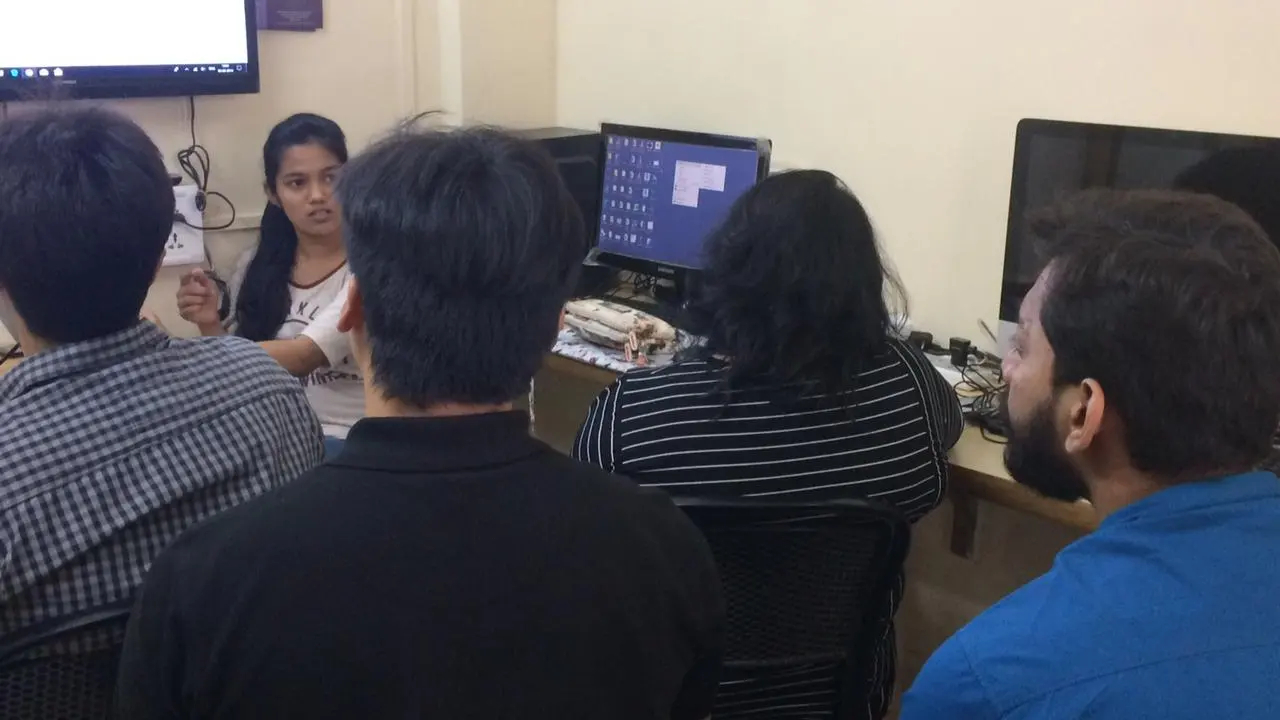
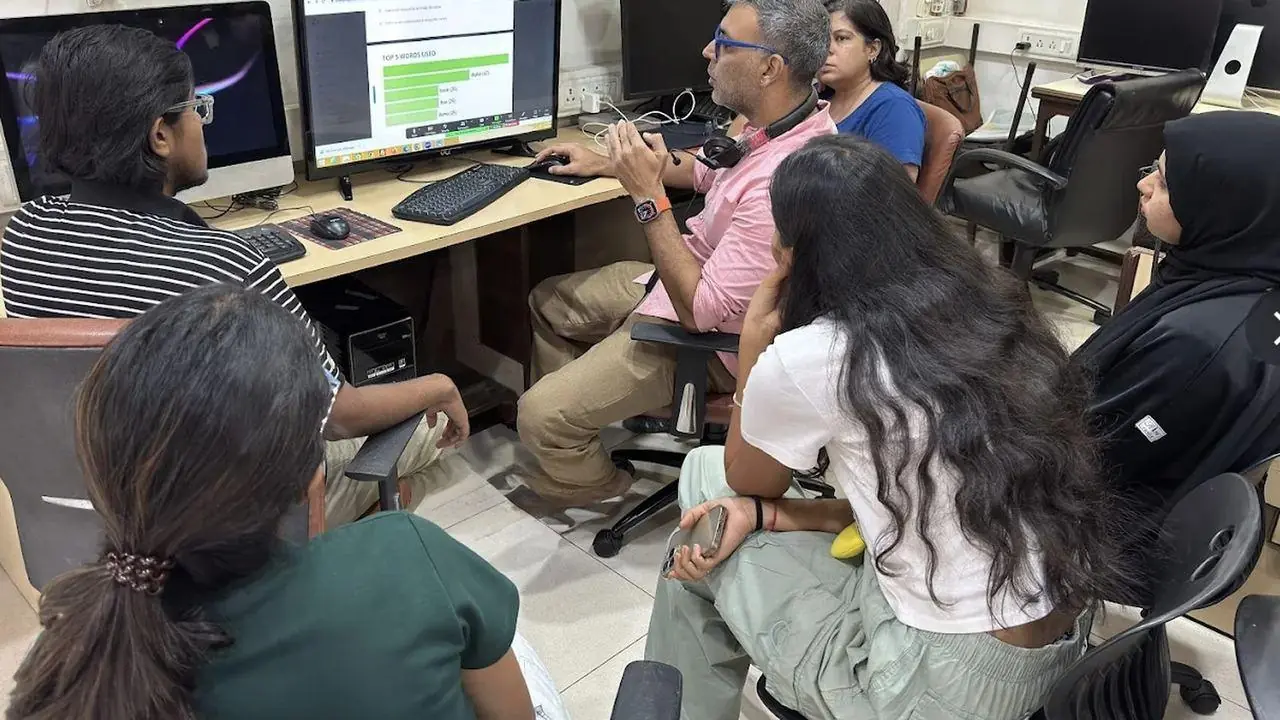
Learn Word on real computers with a trainer beside you, at our centres or at your company.
Free demo session
Visit us at Kemps Corner or Bandra (W), or join online. Call or WhatsApp the centre nearest you.
 Head Office
Chinoy Mansion, 1st Floor, Block 2, Warden Road, opp. St. Stephen's Church, Mumbai 400036
+91 98201 34058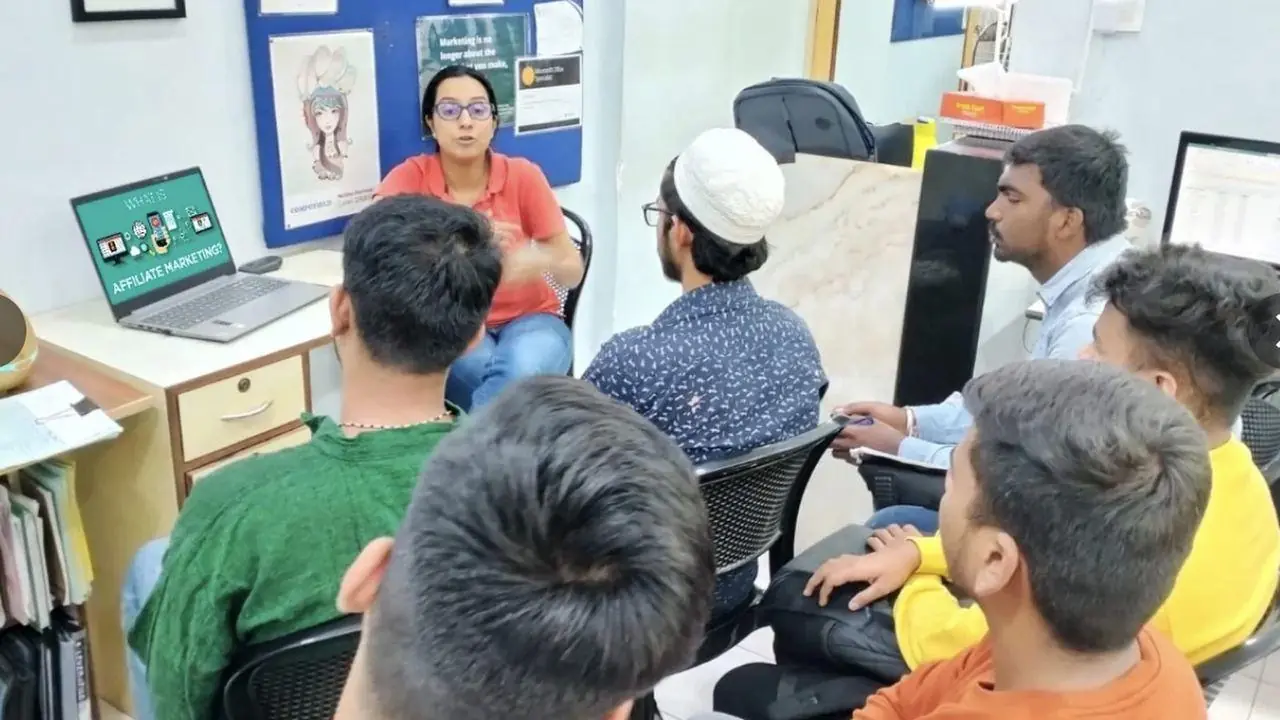
O'Priya Bldg., 1st Floor, Dr. Peter Dias Road, near Mehboob Studio, Bandra (W), Mumbai 400050
+91 98333 61338Live classes with a Compufield trainer, from your home or office, run by both our centres. Online fees are different, so call or WhatsApp either centre.
+91 98201 34058Kemps Corner +91 98333 61338Bandra (W)For companies
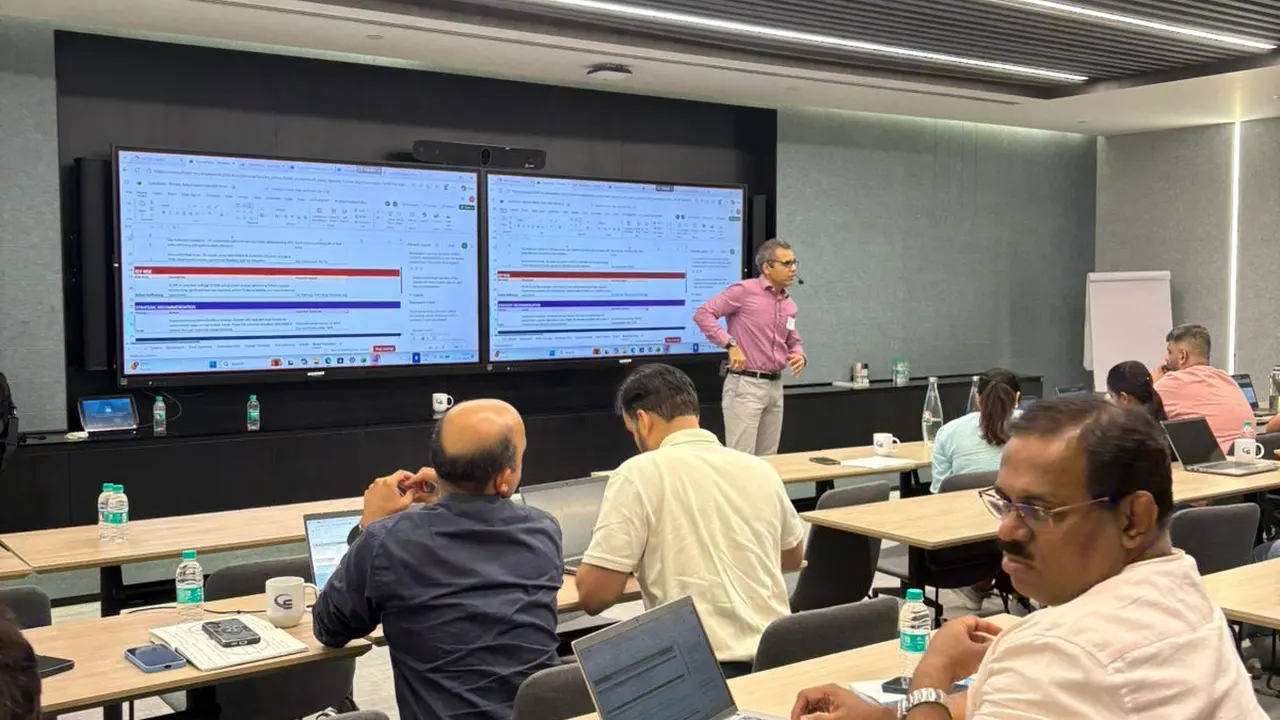
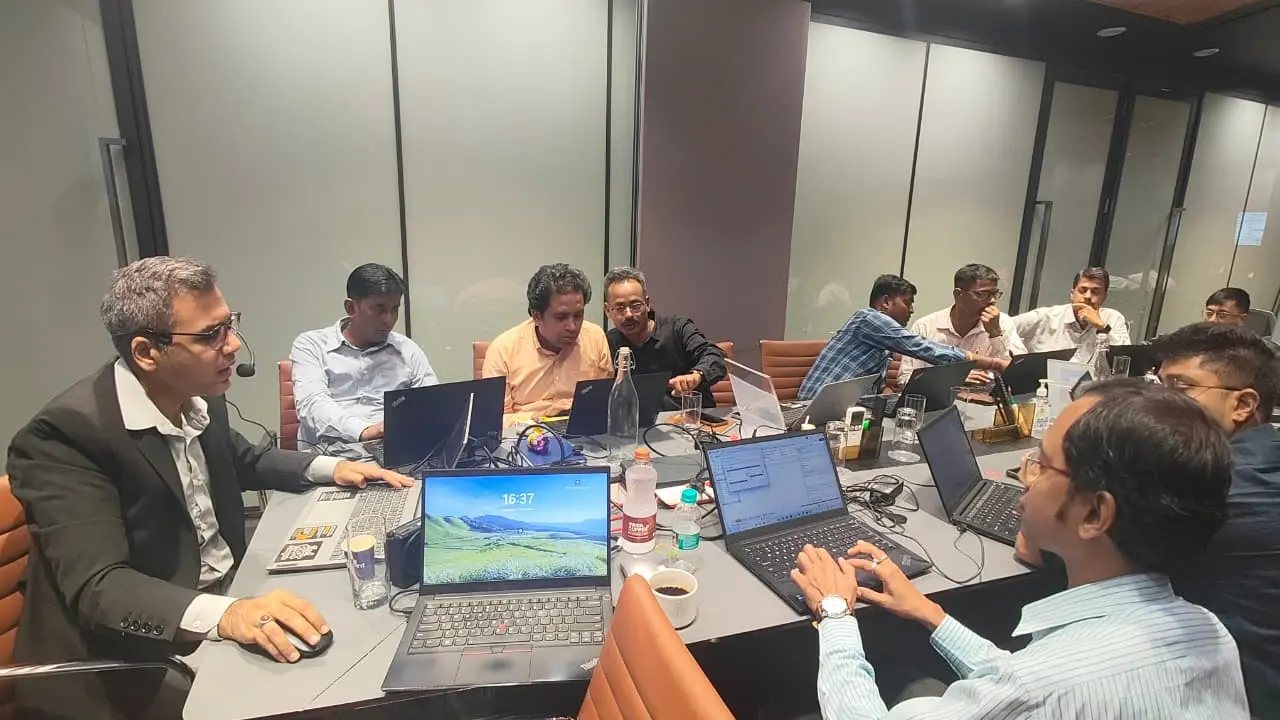
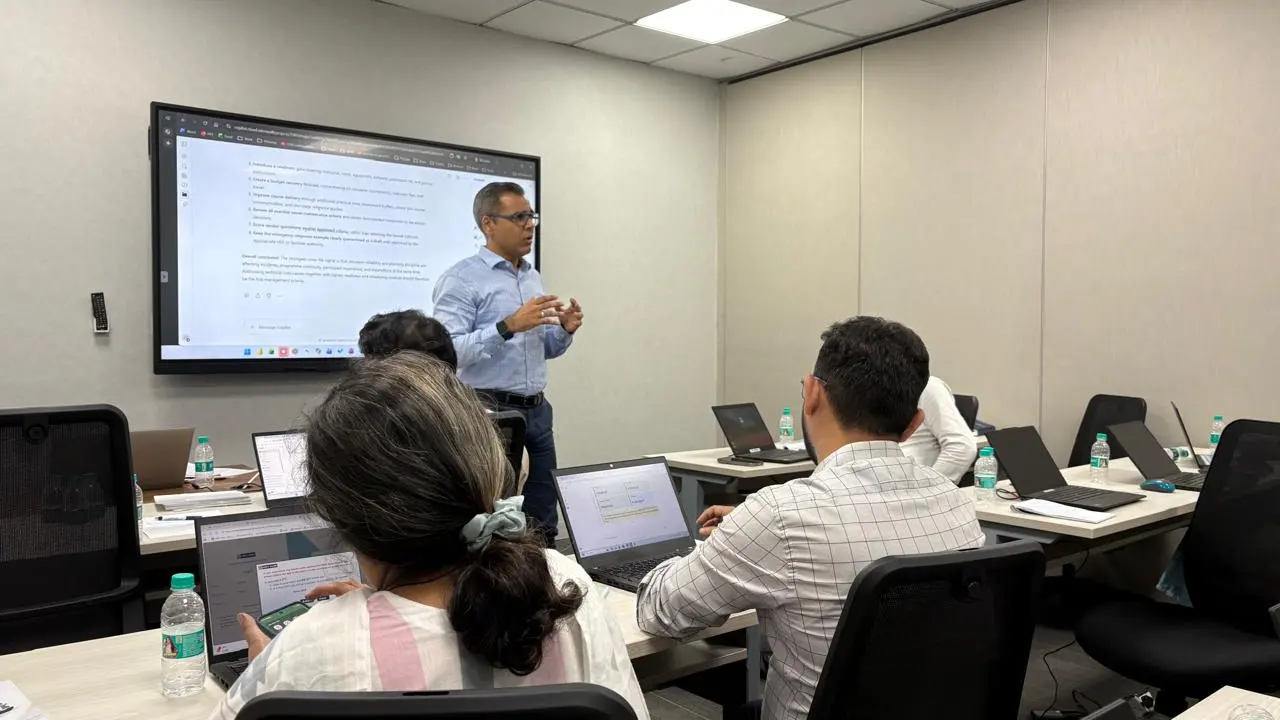
We run these courses as corporate workshops and training programmes for company teams, at your office or at our centres.
Tell us your team size and the tools you use. We'll suggest a workshop that fits.
Corporate workshops in action. Led by Faiyaz M Khairaz, Microsoft Certified Trainer, with 22+ years of corporate training.
Student reviews
I have completed my course in diploma in MS office + generative AI. Good institution with teachers.
Great place to learn MS office with AI. The trainers over here are really very helpful and are very…
I completed my ms office + advance excel + tally course from this institute, would recommend this…
Great place to learn digital courses, I have recently completed my Advanced Excel with AI course…
Completed my Advance excel course with AI recently from here.. the course was quite helpful for my…
I recently completed the Advanced AI, Excel & PowerPoint course through online classes at…
10 hours of classroom training at Kemps Corner or Bandra (W), with a trainer beside you.
₹5,000 for classroom training. Live online sessions have different fees, so please call Kemps Corner on +91 98201 34058 or Bandra (W) on +91 98333 61338.
Basic computer knowledge.
Both. Classroom training at Kemps Corner and Bandra (W). Live online sessions are run by both centres and have different fees.
Yes. Every course starts with a free demo session.
Yes. We run this course as a corporate workshop at your office.
Book your FREE Demo Session
Kemps Corner · Bandra (W) · Online sessions available