Power Automate Course – Level 1
Build cloud flows with triggers, conditions, expressions and approvals using Outlook, Forms, Excel and SharePoint
Power AutomateOutlookFormsSharePoint
₹15,00015 hrs · Classroom fee
Instructor-led Claude AI training in five levels, from first prompts to automating your work.
View the course →Explore all AI courses →
Home › Courses › Power Platform › Power Automate Course – Level 1 & 2 (Complete)
Classroom training · Kemps Corner & Bandra West30 hours · 25 modules · Beginner to advanced
The complete Power Automate programme: start with your first flow and finish with advanced approvals, error handling, child flows and a full capstone project. Save ₹2,500 compared with taking the levels separately.
Microsoft tools you'll learn
Course content
25 modules across Level 1 and Level 2 (Advanced), each built around a real business flow.
Foundation
What Power Automate is, why organisations automate and example workflows
Automated, instant and scheduled cloud flows; triggers, actions and connectors; the flow designer, testing and run history
Logic
Collect a request in Microsoft Forms, save it to SharePoint and use dynamic content
A scheduled flow that sends a daily summary, using utcNow() and formatDateTime()
Read Outlook Calendar events, attach the right file and format dates
Conditions with AND/OR logic to set lead priority and trigger follow-ups
Route requests by category: IT, HR, Payroll and Facilities
Objects, arrays and properties; generate a schema and use the parsed values
Data
Compose, Select, Filter Array and HTML tables
Get events in a time window, transform the data and email a summary
Filter SharePoint tasks, remove duplicates and group tasks by owner
Read Excel rows with Apply to each and create SharePoint items
Business flows
Check existing bookings, detect overlaps and book only free slots
Send for approval, branch on Approve or Reject, and keep a status and decision record
Advanced flows
Multi-level approvals (Line Manager, HR, Fleet), dynamic approvers from an approval matrix, audit trail, rejections and timeouts
Process Outlook attachments and route documents to SharePoint by business rules, with status tracking
Run history analysis, Scope and Configure Run After, nulls and bad data types, and Terminate
Reusable child flows, passing parameters, access-matrix logic and returning results
Threshold checks, detect existing requests and create reorder requests without duplicates
Retrieve assigned assets, keep return records in SharePoint and block offboarding until assets are cleared
Capstone project
Log and validate exceptions, assign them with a routing matrix and calculate SLA deadlines
Scheduled checks, find overdue cases, escalate and use flags to prevent repeat escalations
Detect resolution updates, measure SLA compliance, record outcomes and prevent trigger loops
End-to-end testing of normal, breached, missing-routing and already-escalated cases
Deployment
Default, Developer, Sandbox and Production environments; solution-aware flows, connection references, environment variables and moving from Dev to Test to Prod
Before you start: Comfortable with Outlook and basic Excel. No coding needed.
Fees and options
Take one level, or both together and save ₹2,500. Every course starts with a free demo session.
Build cloud flows with triggers, conditions, expressions and approvals using Outlook, Forms, Excel and SharePoint
Multi-level approvals, error handling, parent and child flows, SLA escalation and Dev, Test and Prod deployment
Both levels together, from your first flow to complete business automation
Fees shown are for classroom training at Kemps Corner and Bandra (W). Live online sessions have different fees: call or WhatsApp +91 98201 34058 (Kemps Corner) or +91 98333 61338 (Bandra (W)).
Also learning Power BI?See all Power Platform courses: Power BI Level 1, Level 2 and Power Automate, on one page.All Power Platform courses →Inside our classrooms
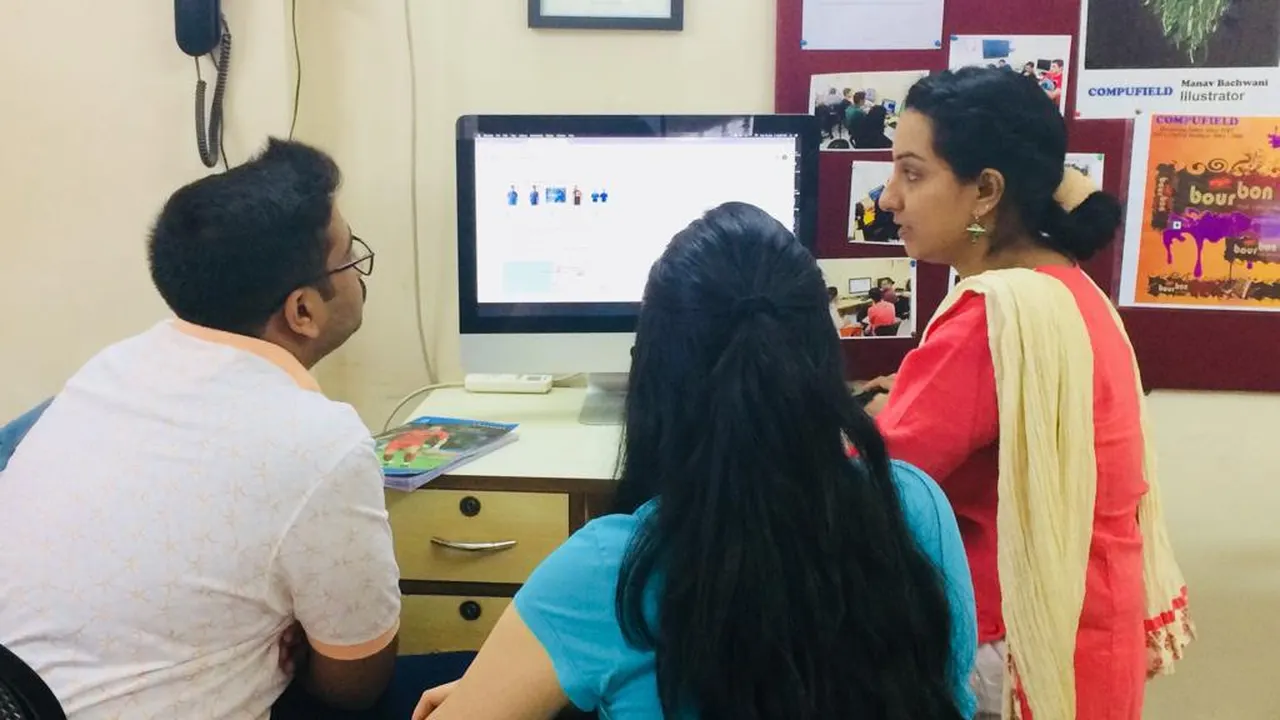
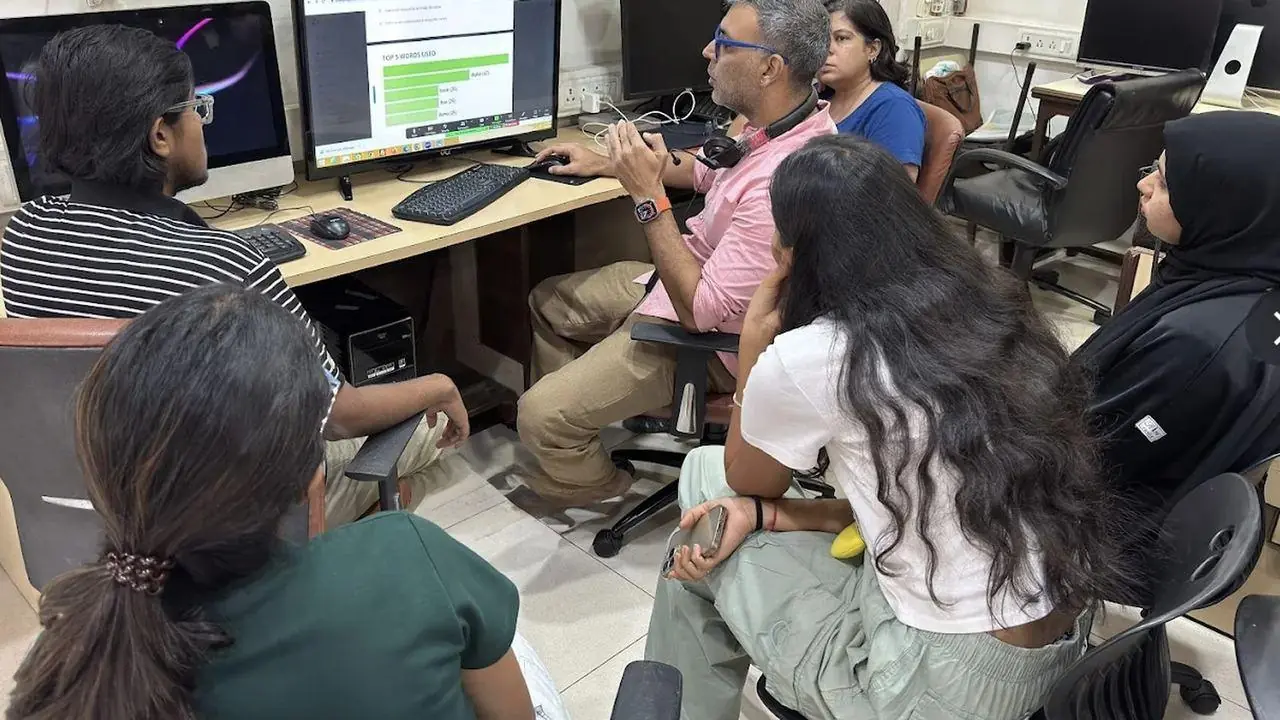
Learn Power BI and Power Automate on real computers with a trainer beside you, and practise on data and tasks from your own work.
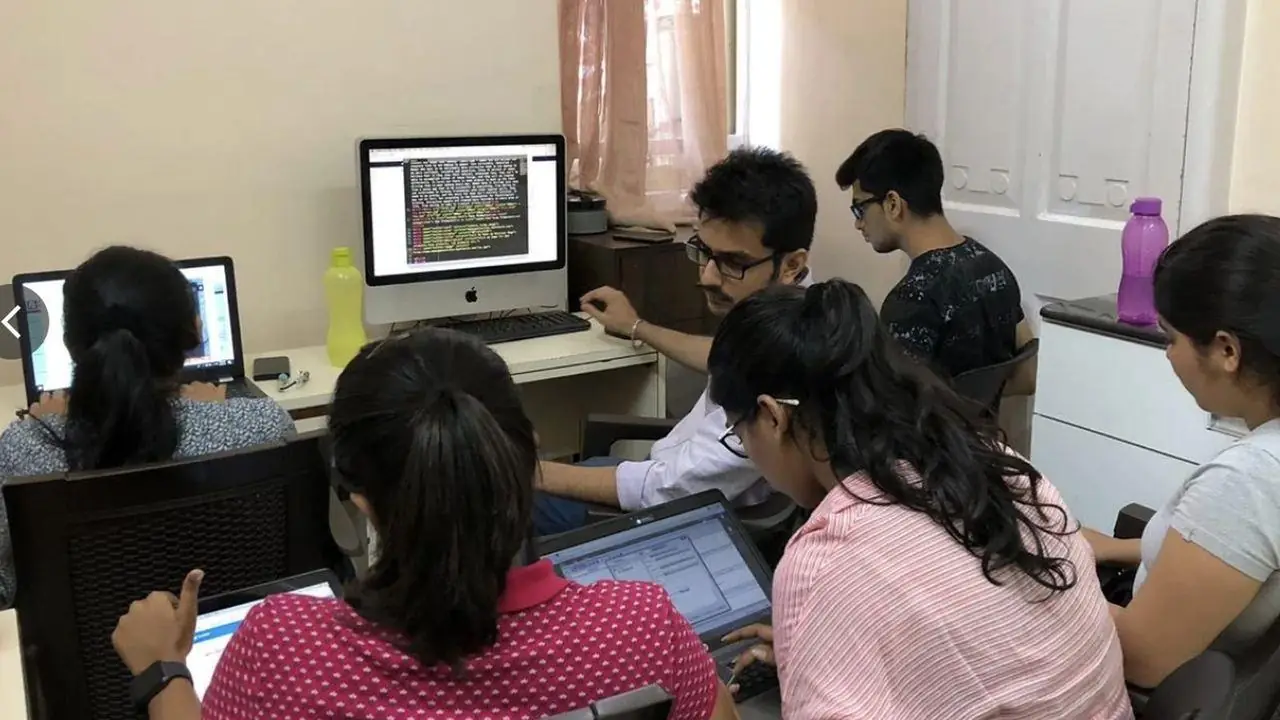
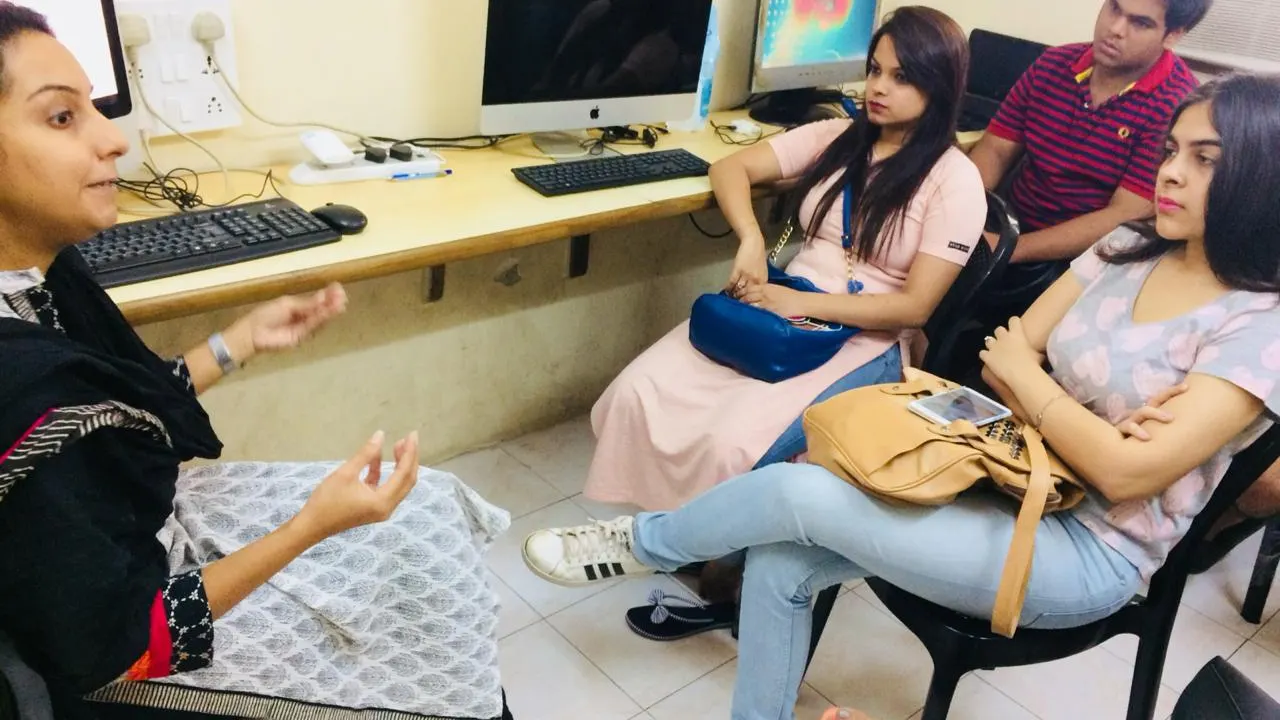
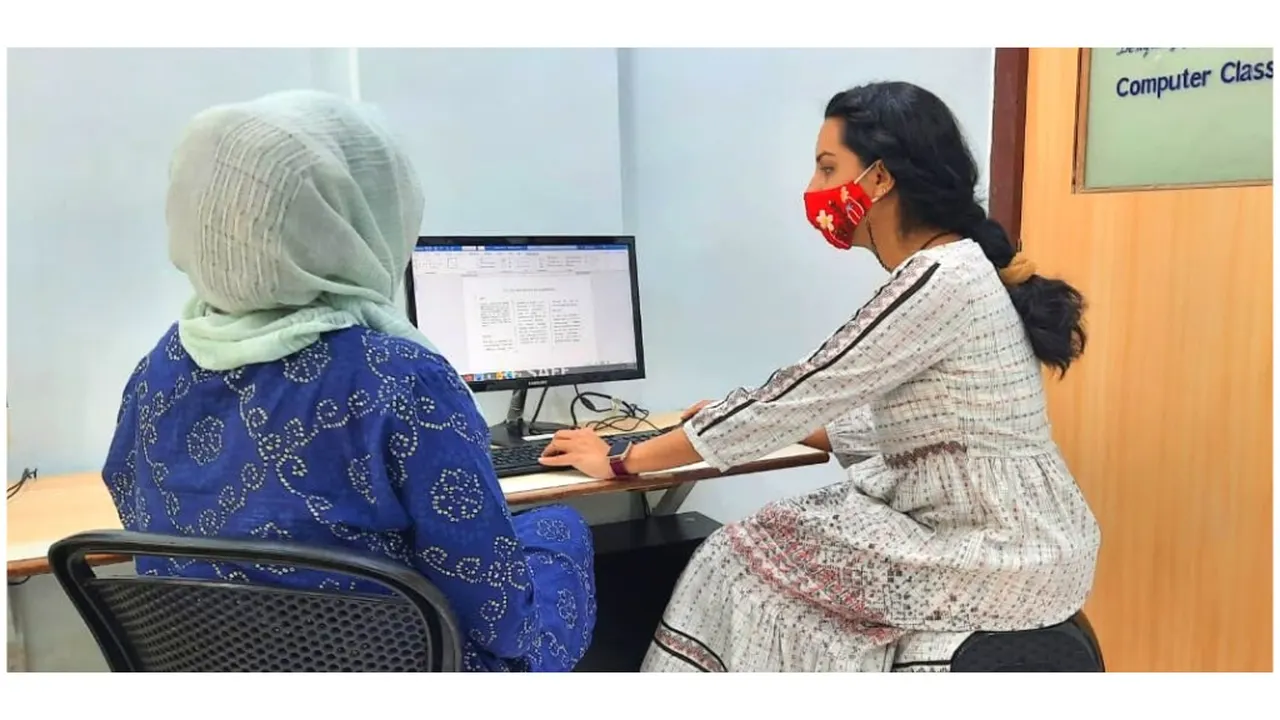
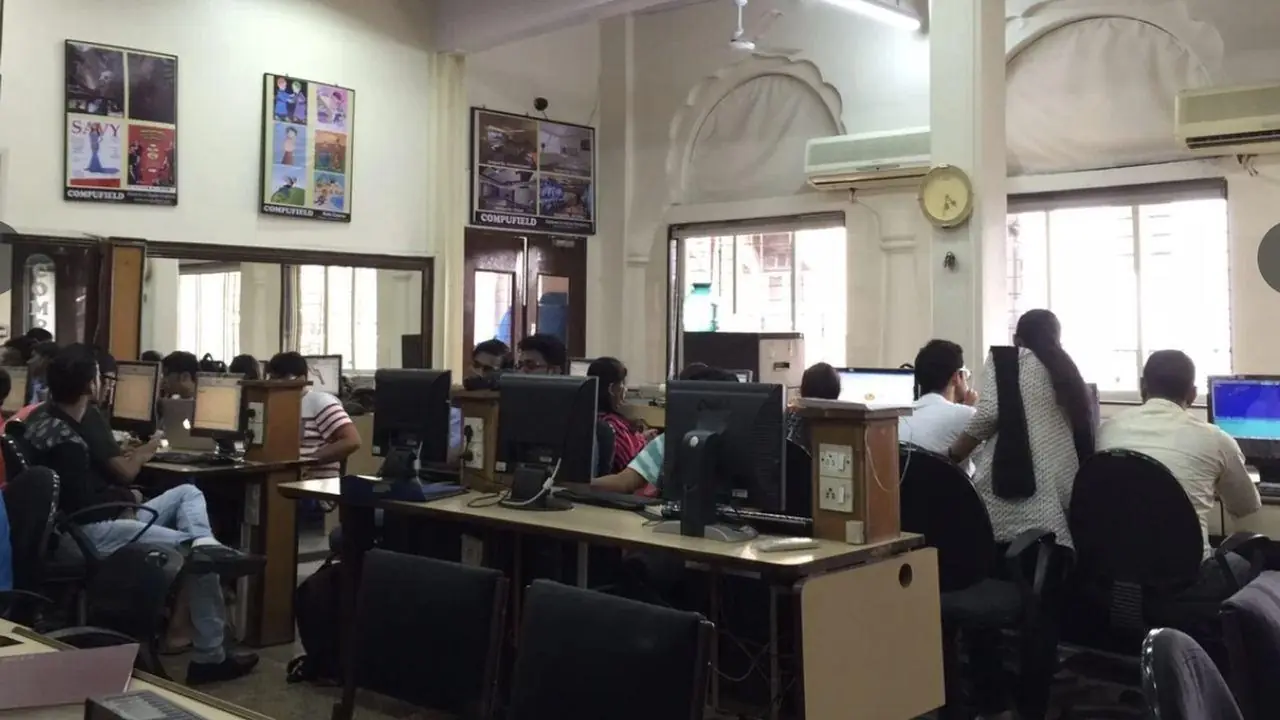
Free demo session
Visit us at Kemps Corner or Bandra (W), or join online. Call or WhatsApp the centre nearest you.
 Head Office
Chinoy Mansion, 1st Floor, Block 2, Warden Road, opp. St. Stephen's Church, Mumbai 400036
+91 98201 34058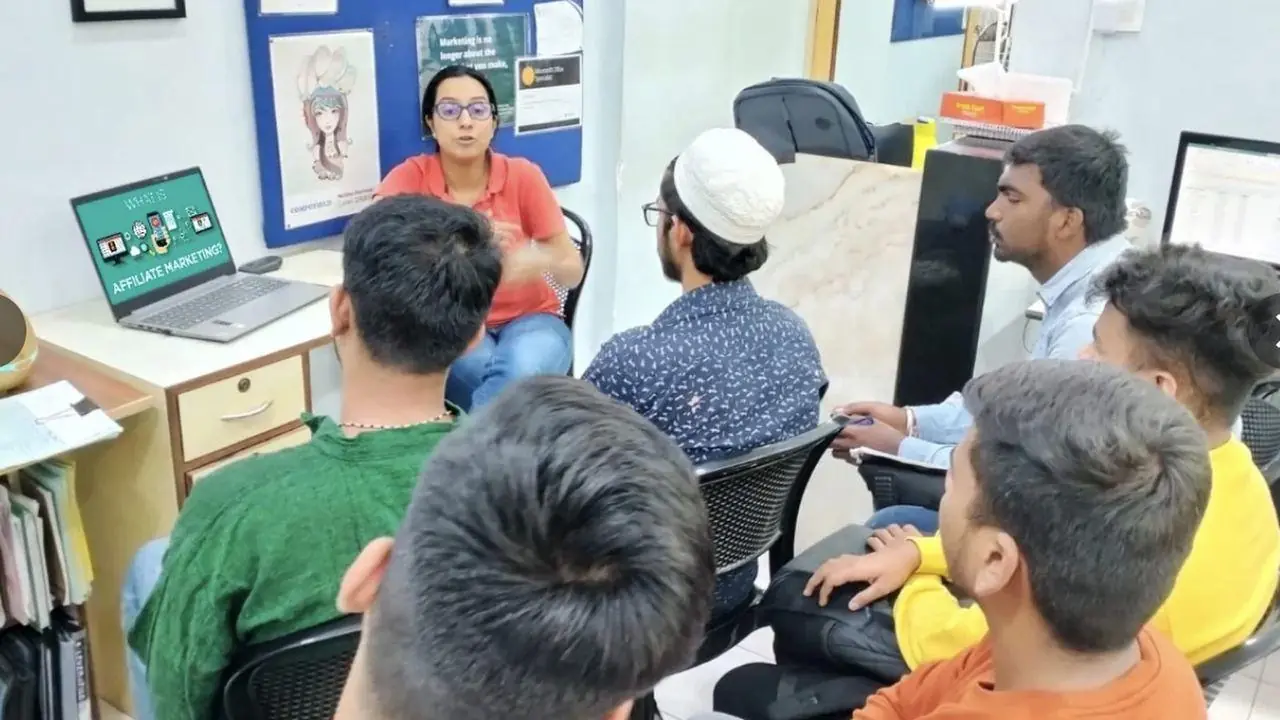
O'Priya Bldg., 1st Floor, Dr. Peter Dias Road, near Mehboob Studio, Bandra (W), Mumbai 400050
+91 98333 61338Live classes with a Compufield trainer, from your home or office, run by both our centres. Online fees are different, so call or WhatsApp either centre.
+91 98201 34058Kemps Corner +91 98333 61338Bandra (W)For companies
We run these courses as corporate workshops and training programmes for company teams, at your office or at our centres.
Tell us your team size and the tools you use. We'll suggest a workshop that fits.
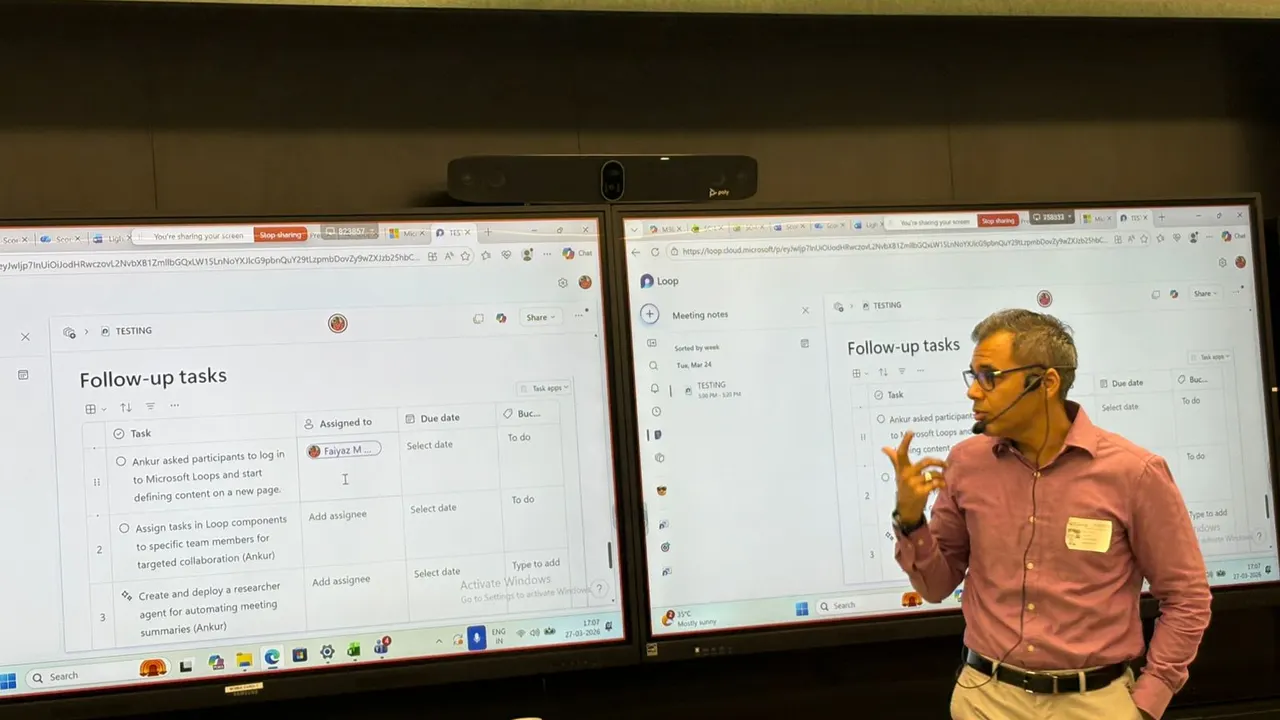
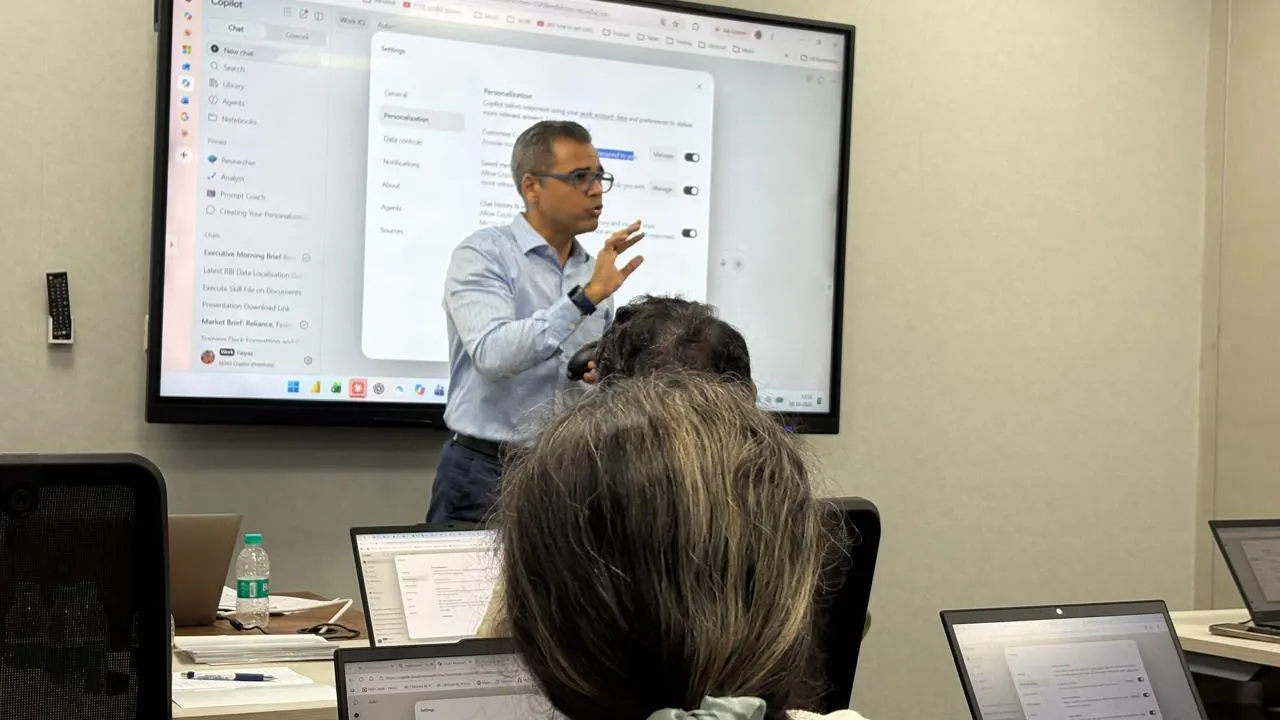
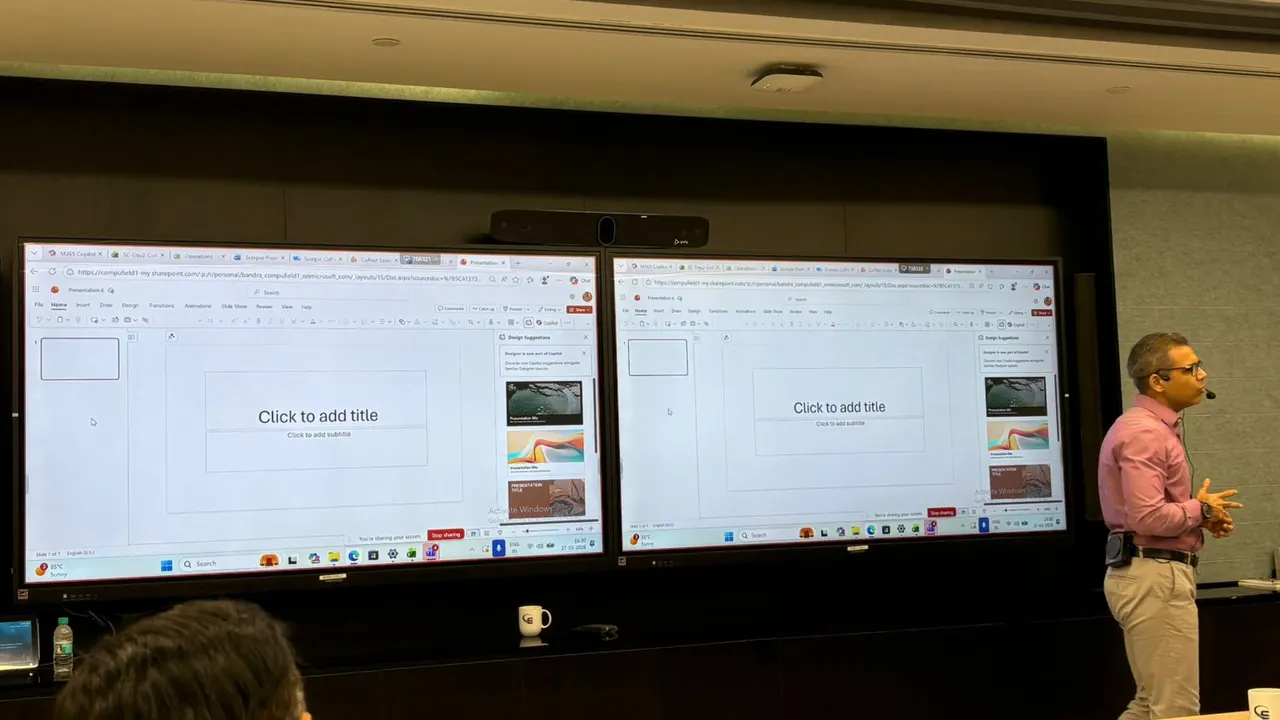
Corporate workshops in action. Led by Faiyaz M Khairaz, Microsoft Certified Trainer, with 22+ years of corporate training.
Student reviews
Enrolling in this Power BI program has been one of the most intellectually rewarding professional…
I completed my ms office + advance excel + tally course from this institute, would recommend this…
Great place to learn digital courses, I have recently completed my Advanced Excel with AI course…
Completed my Advance excel course with AI recently from here.. the course was quite helpful for my…
I recently completed the Advanced AI, Excel & PowerPoint course through online classes at…
30 hours of classroom training with a Microsoft Certified Trainer, at Kemps Corner or Bandra (W).
₹27,500 for classroom training. Power Automate Level 1 is ₹15,000, Level 2 (Advanced) is ₹15,000, and both levels together are ₹27,500.
No. Power Automate is a low-code tool. Comfortable with Outlook and basic Excel. No coding needed.
Most flows in the course use Power Automate for Microsoft 365, which comes with most work Microsoft 365 accounts. In the free demo we check what your account can do.
Both. Classroom training at Kemps Corner and Bandra (W). Live online sessions are run by both centres and have different fees, so please call or WhatsApp Kemps Corner on +91 98201 34058 or Bandra (W) on +91 98333 61338.
Yes. Every course starts with a free demo session.
Yes. We run Power Automate training as corporate workshops at your office.
Book your FREE Demo Session
Kemps Corner · Bandra (W) · Online sessions available