Diploma in Office Automation
MS Word, Excel, PowerPoint and Tally Prime accounting in one programme
WordExcelPowerPointTally Prime
₹16,00050 hrs · Classroom fee
Instructor-led Claude AI training in five levels, from first prompts to automating your work.
View the course →Explore all AI courses →
Home › Courses › Office Automation › Diploma in MS Office (Level 1 & 2) + AI
Classroom training · Kemps Corner & Bandra (W)60 hours · Classroom training · Free demo session
Basic and advanced Microsoft Office with Generative AI. Hands-on with a trainer beside you, at Kemps Corner or Bandra (W).
Microsoft tools you'll learn
Course content
Diploma in MS Office + AI (Level 1 & 2): advanced MS Word, Excel, PowerPoint and AI, designed to take you from fundamentals to advanced, job-ready skills. It covers document creation, data analysis and presentation design, with the practical use of AI to automate tasks, improve accuracy and boost productivity.
Introduction to MS Word · Creating Documents · Text Basics · +11 more
Advanced Document Structuring & Formatting · Mastering Styles, Themes & Templates · Advanced Tables, Layouts & Visual Elements · +7 more
Content creation and rewriting · Grammar and tone improvement · Dictation features · +1 more
Creating and formatting documents using Copilot · Generating summaries and insights · Drafting reports, letters, and proposals with AI · +2 more
Introduction to PowerPoint · Creating Presentations · Slides Basics · +11 more
Corporate Presentation Design Principles · Slide Master & Corporate Templates · Advanced Layout & Alignment Techniques · +7 more
Creating presentations from AI prompts · Converting Word content to slides · Improving storytelling and transitions · +1 more
Creating presentations from text input · Enhancing slides with design suggestions · Automating content summarization · +1 more
Introduction to MS Excel · Workbook and Worksheet · Cells and Ranges · +11 more
Overview of the Basics of Excel · Working with Different Functions · Data Validations · +11 more
Dynamic arrays and spilled ranges · AI-assisted formula explanation · Data filtering and sorting using AI · +2 more
Analyzing data with AI insights · Automating formula generation & data cleaning · Creating charts and pivot tables with Copilot · +2 more
Before you start: Basic computer knowledge. No programming experience needed.
Fees and options
This course is highlighted. Every course starts with a free demo session.
MS Word, Excel, PowerPoint and Tally Prime accounting in one programme
Word, Excel and PowerPoint with Generative AI
Basic and advanced Microsoft Office with Generative AI
Advanced Word, Excel and PowerPoint with Generative AI
Fees shown are for classroom training at Kemps Corner and Bandra (W). Live online sessions have different fees: call or WhatsApp +91 98201 34058 (Kemps Corner) or +91 98333 61338 (Bandra (W)).
Explore all AI coursesChatGPT, Claude, Copilot and Generative AI courses on one page.AI courses →Inside our classrooms
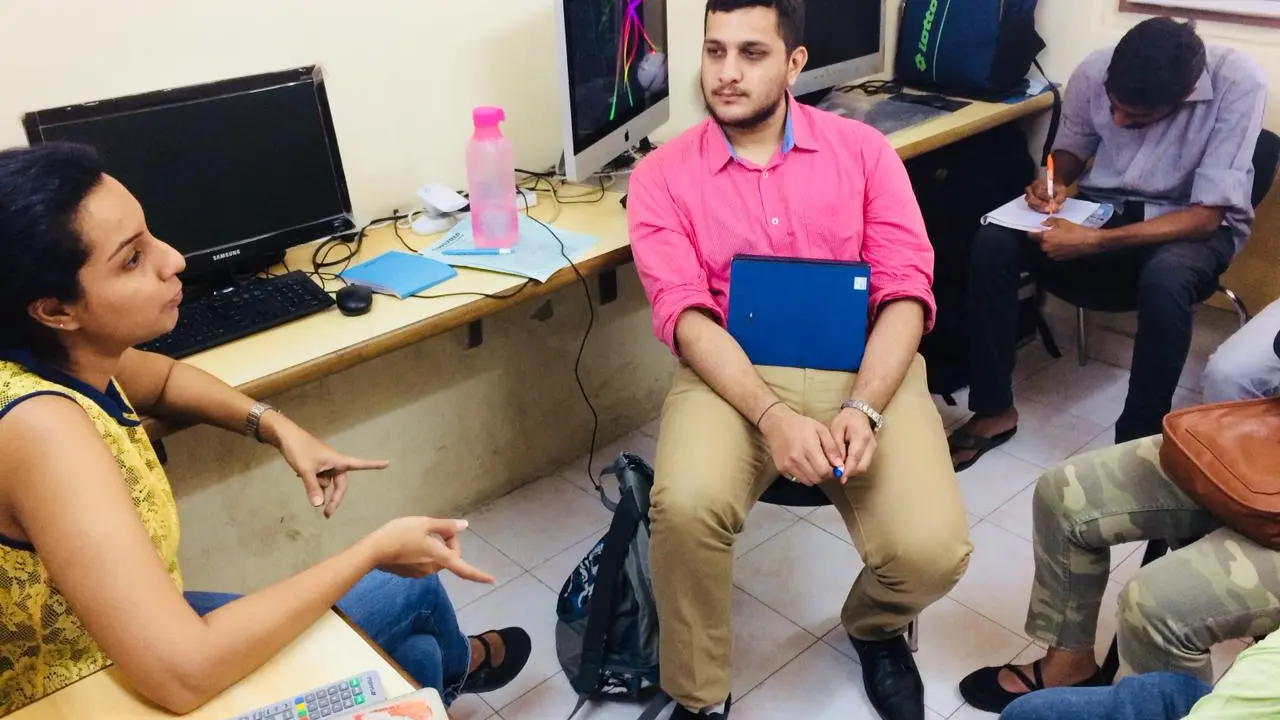
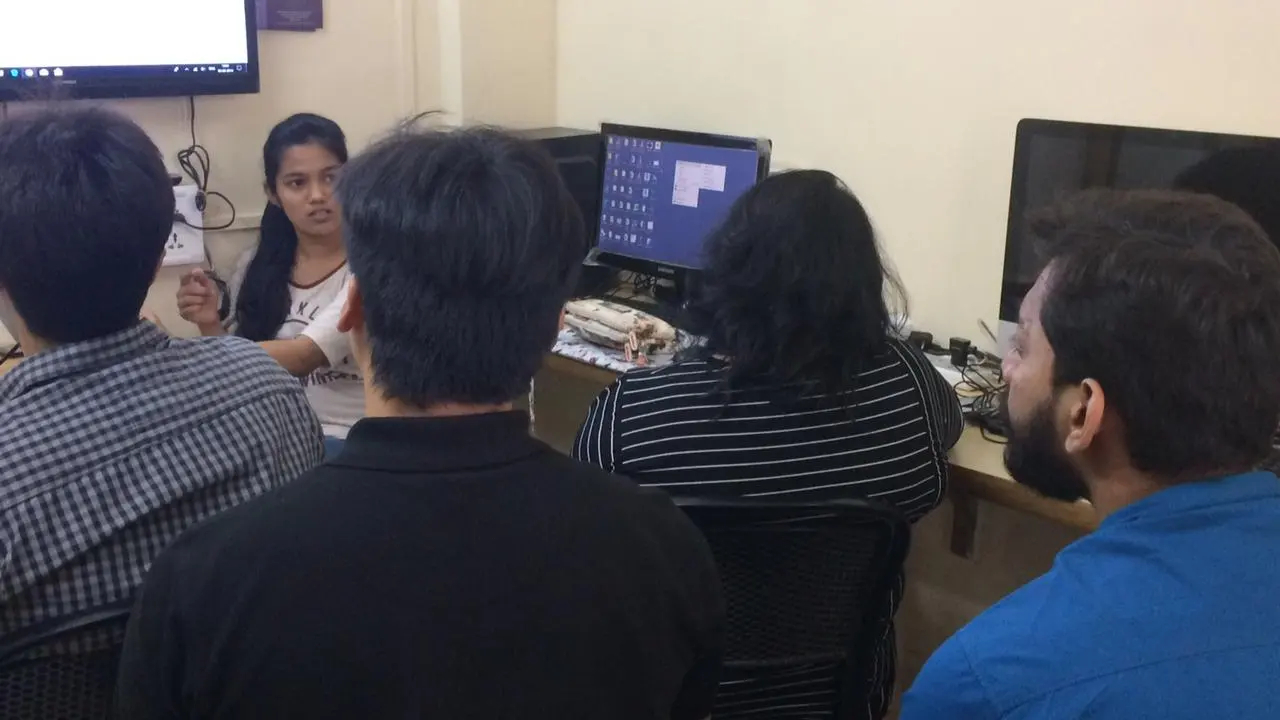
Learn MS Office (Level 1 & 2) + AI on real computers with a trainer beside you, at our centres or at your company.
Free demo session
Visit us at Kemps Corner or Bandra (W), or join online. Call or WhatsApp the centre nearest you.
 Head Office
Chinoy Mansion, 1st Floor, Block 2, Warden Road, opp. St. Stephen's Church, Mumbai 400036
+91 98201 34058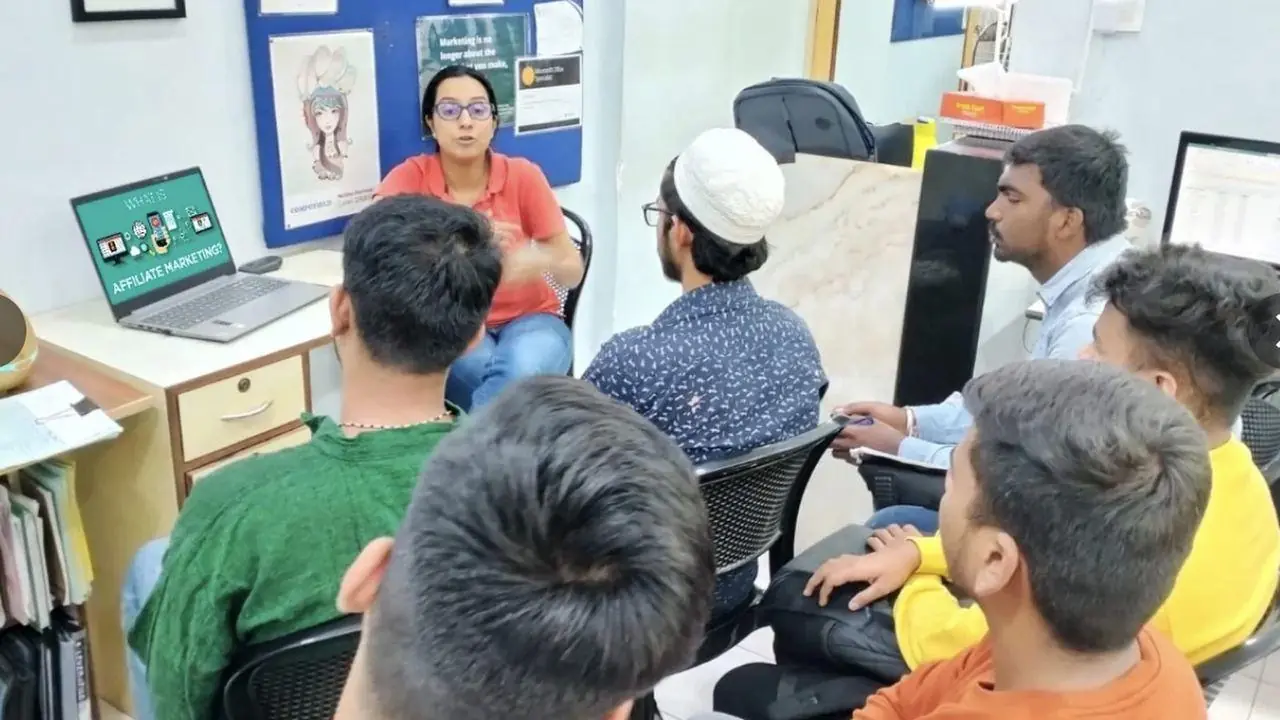
O'Priya Bldg., 1st Floor, Dr. Peter Dias Road, near Mehboob Studio, Bandra (W), Mumbai 400050
+91 98333 61338Live classes with a Compufield trainer, from your home or office, run by both our centres. Online fees are different, so call or WhatsApp either centre.
+91 98201 34058Kemps Corner +91 98333 61338Bandra (W)For companies
We run these courses as corporate workshops and training programmes for company teams, at your office or at our centres.
Tell us your team size and the tools you use. We'll suggest a workshop that fits.
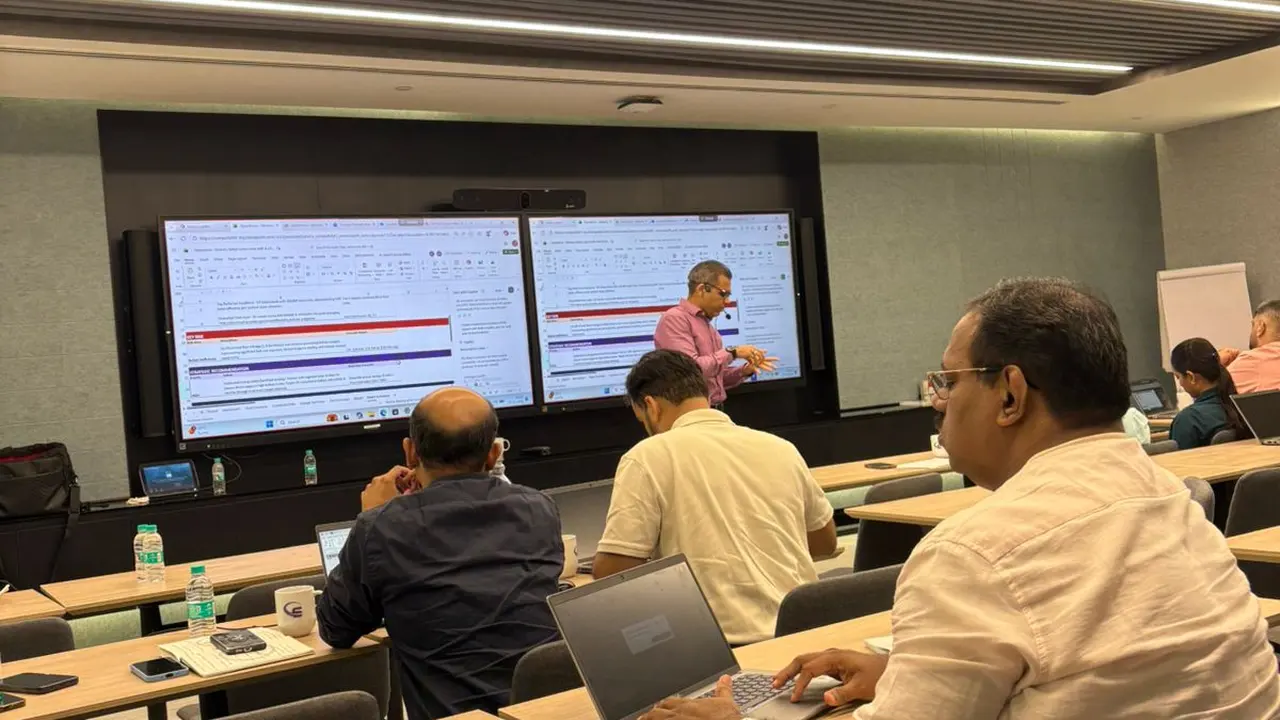
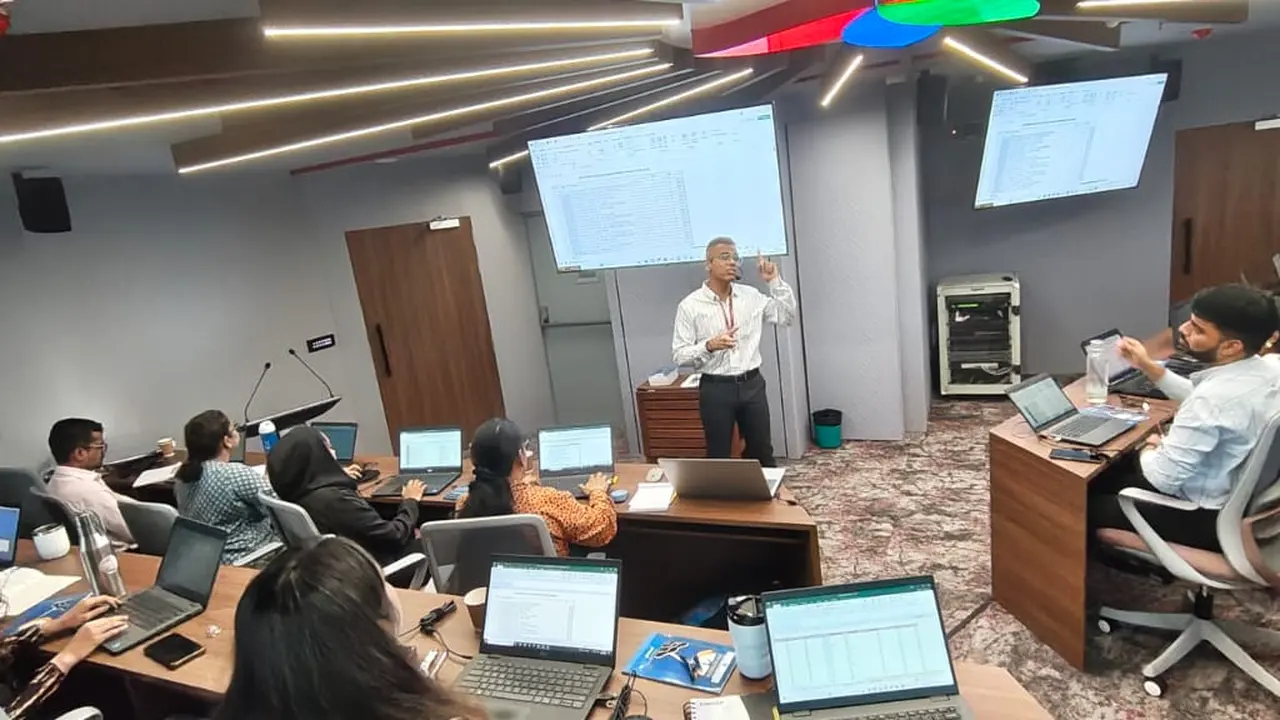
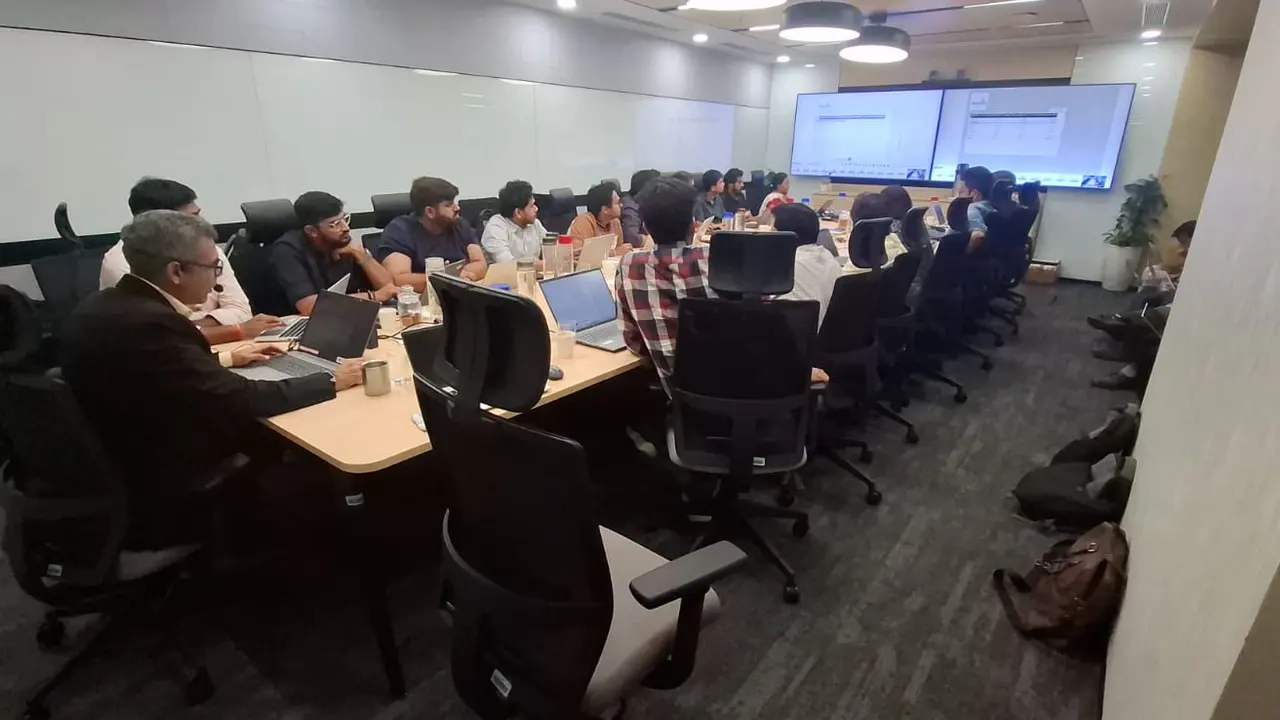
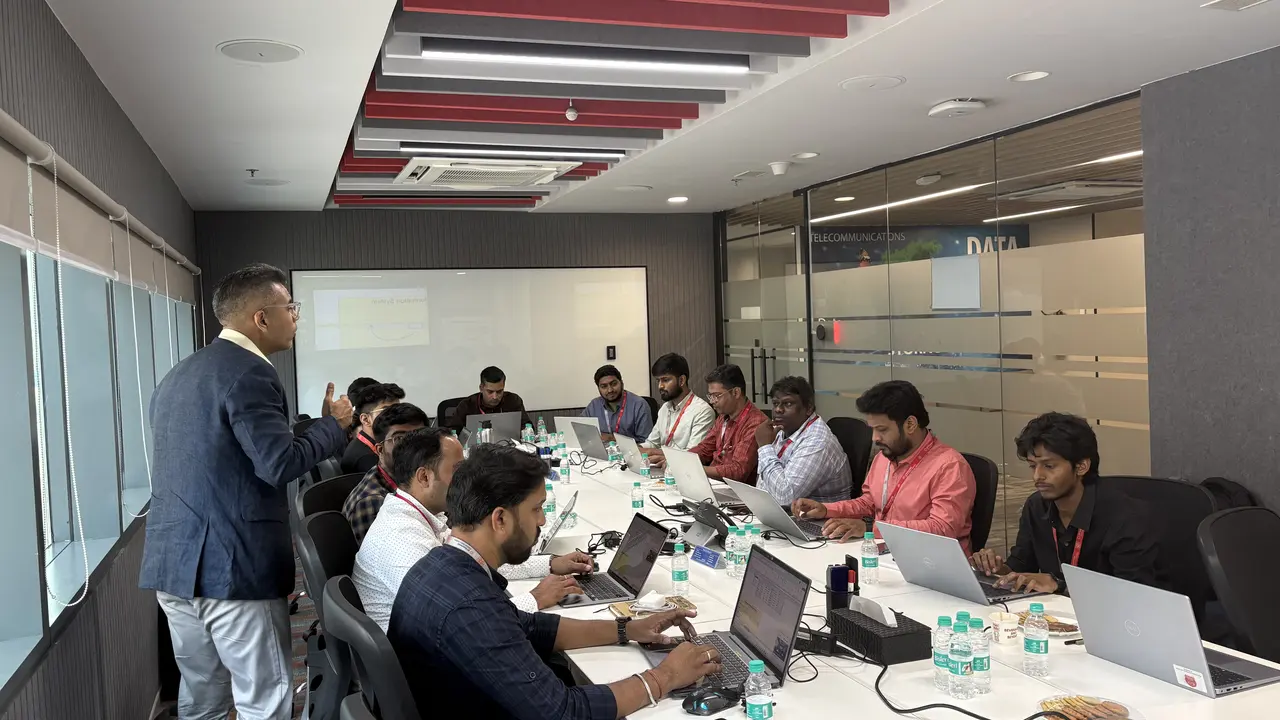
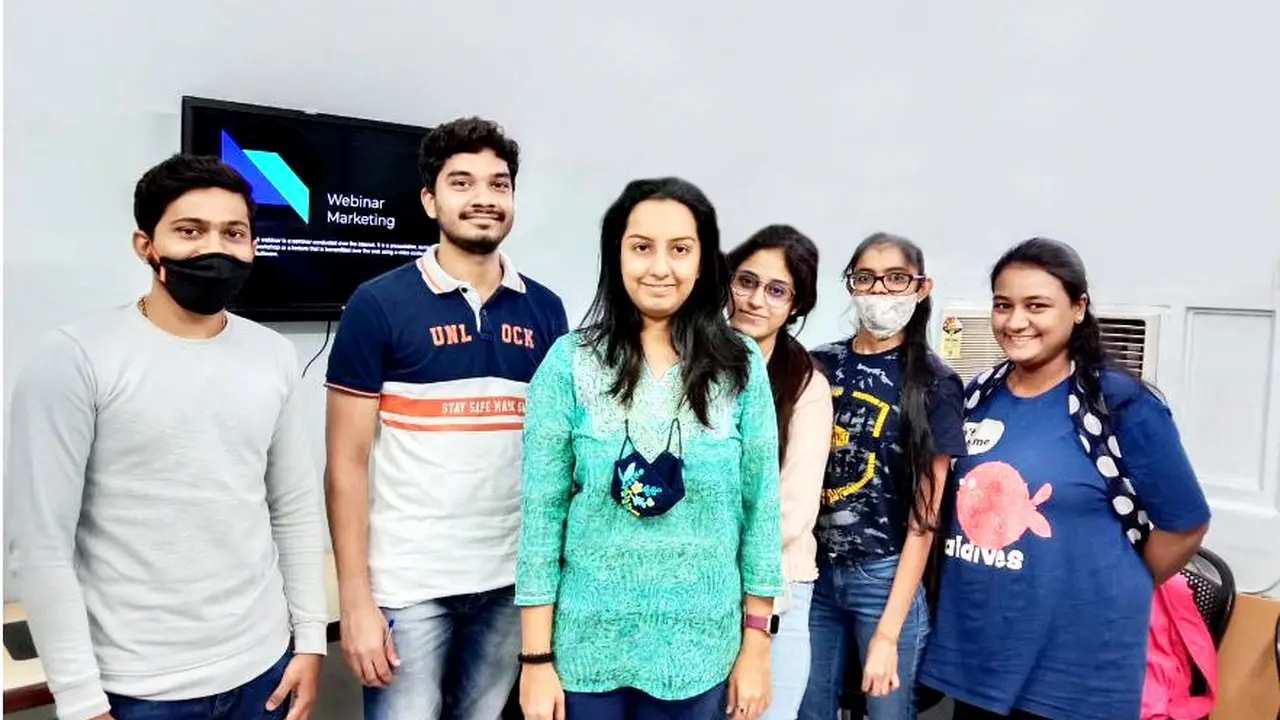
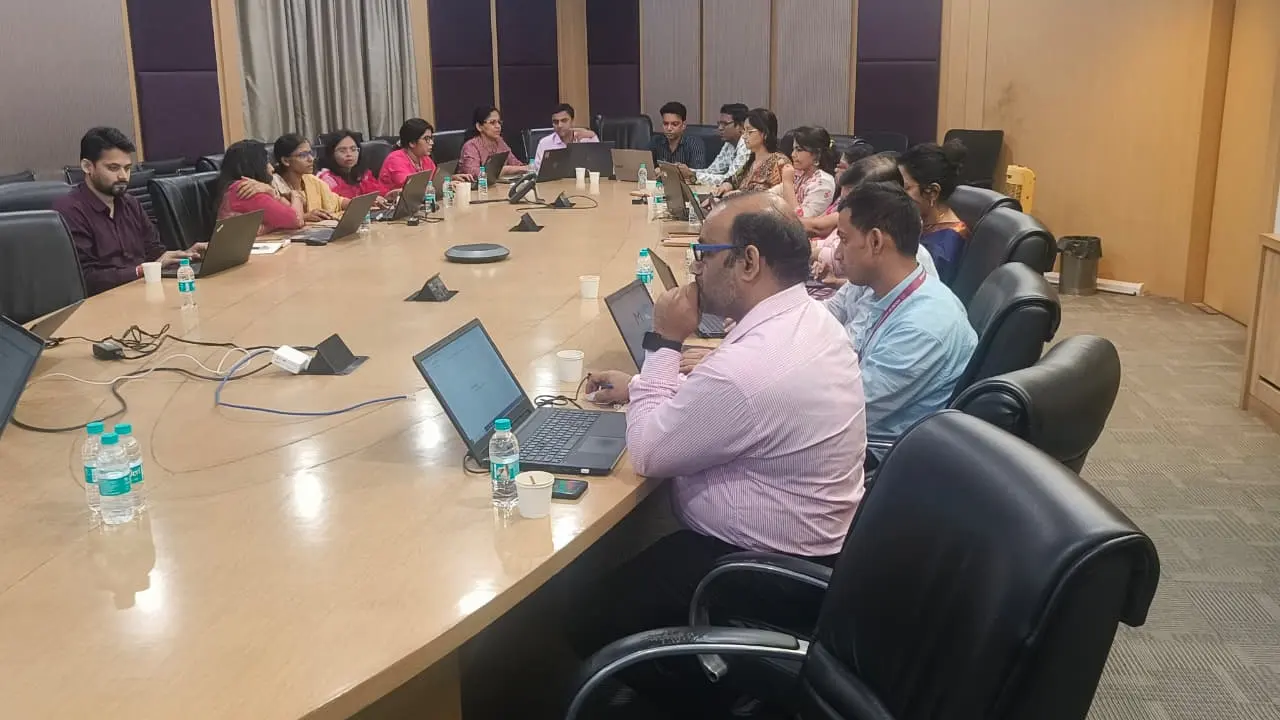
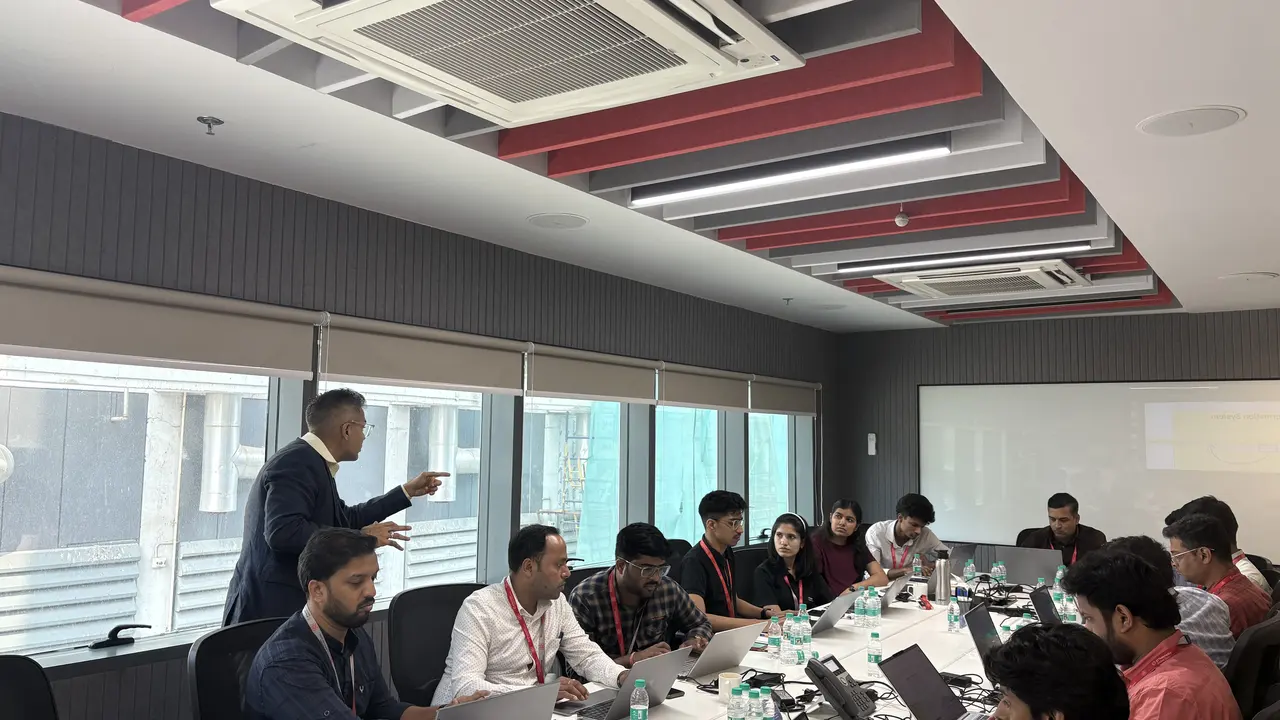
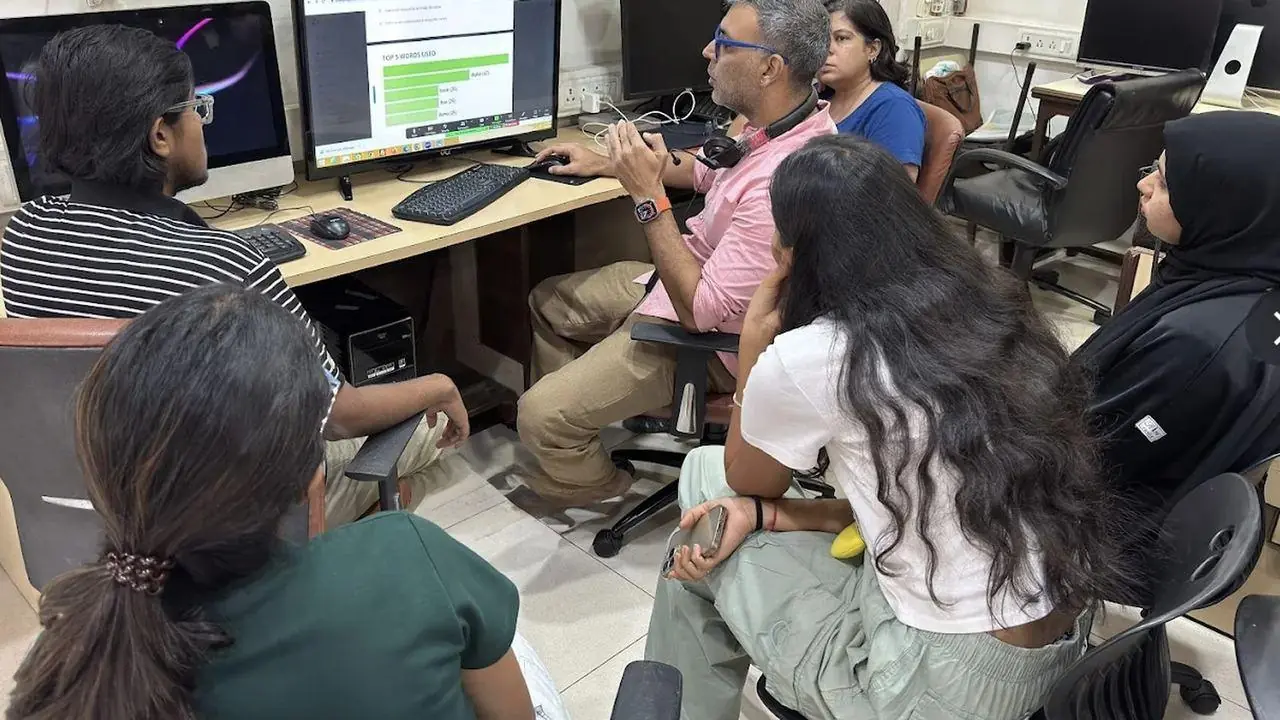
Corporate workshops in action. Led by Faiyaz M Khairaz, Microsoft Certified Trainer, with 22+ years of corporate training.
Student reviews
I have completed my course in diploma in MS office + generative AI. Good institution with teachers.
Great place to learn MS office with AI. The trainers over here are really very helpful and are very…
I completed my ms office + advance excel + tally course from this institute, would recommend this…
Great place to learn digital courses, I have recently completed my Advanced Excel with AI course…
Completed my Advance excel course with AI recently from here.. the course was quite helpful for my…
I recently completed the Advanced AI, Excel & PowerPoint course through online classes at…
60 hours of classroom training at Kemps Corner or Bandra (W), with a trainer beside you.
₹23,000 for classroom training. Live online sessions have different fees, so please call Kemps Corner on +91 98201 34058 or Bandra (W) on +91 98333 61338.
Basic computer knowledge. No programming experience needed.
Both. Classroom training at Kemps Corner and Bandra (W). Live online sessions are run by both centres and have different fees.
Yes. Every course starts with a free demo session.
Yes. We run this course as a corporate workshop at your office.
Book your FREE Demo Session
Kemps Corner · Bandra (W) · Online sessions available