Diploma in Office Automation
MS Word, Excel, PowerPoint and Tally Prime accounting in one programme
WordExcelPowerPointTally Prime
₹16,00050 hrs · Classroom fee
Instructor-led Claude AI training in five levels, from first prompts to automating your work.
View the course →Explore all AI courses →
Home › Courses › Office Automation › Diploma in Office Automation
Classroom training · Kemps Corner & Bandra (W)50 hours · Classroom training · Free demo session
MS Word, Excel, PowerPoint and Tally Prime accounting in one programme. Hands-on with a trainer beside you, at Kemps Corner or Bandra (W).
Microsoft tools you'll learn
Course content
Compufield's Diploma in Office Automation covers Microsoft Word, Excel, PowerPoint, Windows and Tally Prime, everything you need for office and accounts work.
Microsoft Word for Windows is a full-feature Word processor designed to help you work more efficiently. Microsoft Word shows you how to create effective documents using its features. You will learn how to edit, format, print documents, insert and manage tables and graphics into documents.
Application: With Word you can create and type letters, reports, memos, proposals, newsletters, brochures, graphical presentations, web pages, etc.
Microsoft Excel for Windows is a powerful electronic spreadsheet application that can be used for managing, analysing and presenting data in a graphical manner.
Application: Excel is used for preparing company profiles in the form of charts and graphs, and stores accounting spreadsheets in electronic form.
PowerPoint in Microsoft 365 is the presentation tool used in every office. Design clear, modern slides quickly with Designer, Morph and Copilot, and present with confidence in the room or on Teams.
Application: With PowerPoint you can create company presentations, sales pitches, training decks, reports and profiles.
The operating system is a master program that takes care of the proper functioning of the computer. Windows is a graphical user interface (GUI) in which you click icons to perform a task, which increases the speed and efficiency of your computer-related tasks.
Application: Nowadays almost all software is Windows based.
Accounting and inventory in Tally Prime, from vouchers and ledgers to GST, TDS, cost centres, budgets and financial statements.
Application: Tally is used by all types of business: proprietor and partnership firms, non-profit organisations and MNC companies.
Before you start: Basic computer knowledge. No prior experience of MS Office or Tally needed.
Fees and options
This course is highlighted. Every course starts with a free demo session.
MS Word, Excel, PowerPoint and Tally Prime accounting in one programme
MS Word, Excel and PowerPoint for office work
Accounting with inventory management in Tally Prime
Basic and advanced Microsoft Office with Generative AI
Fees shown are for classroom training at Kemps Corner and Bandra (W). Live online sessions have different fees: call or WhatsApp +91 98201 34058 (Kemps Corner) or +91 98333 61338 (Bandra (W)).
Want AI skills too?Learn MS Office together with ChatGPT and Copilot.Office + AI courses →Inside our classrooms
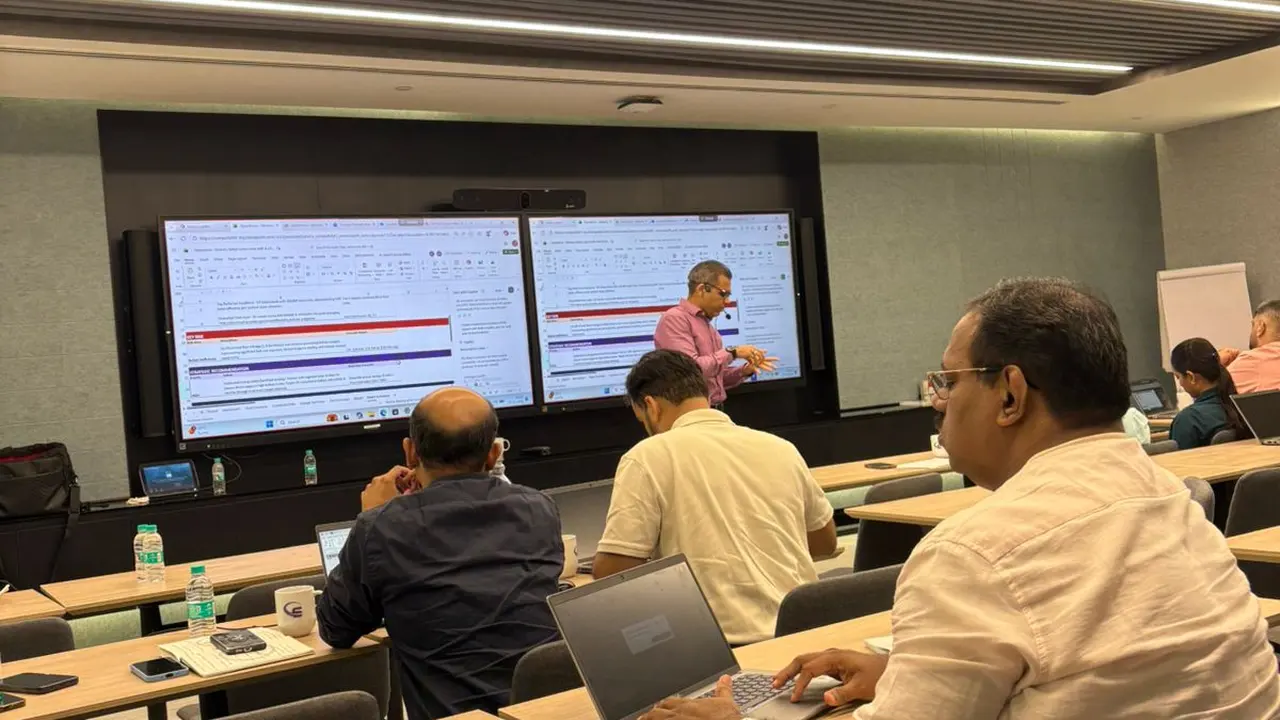
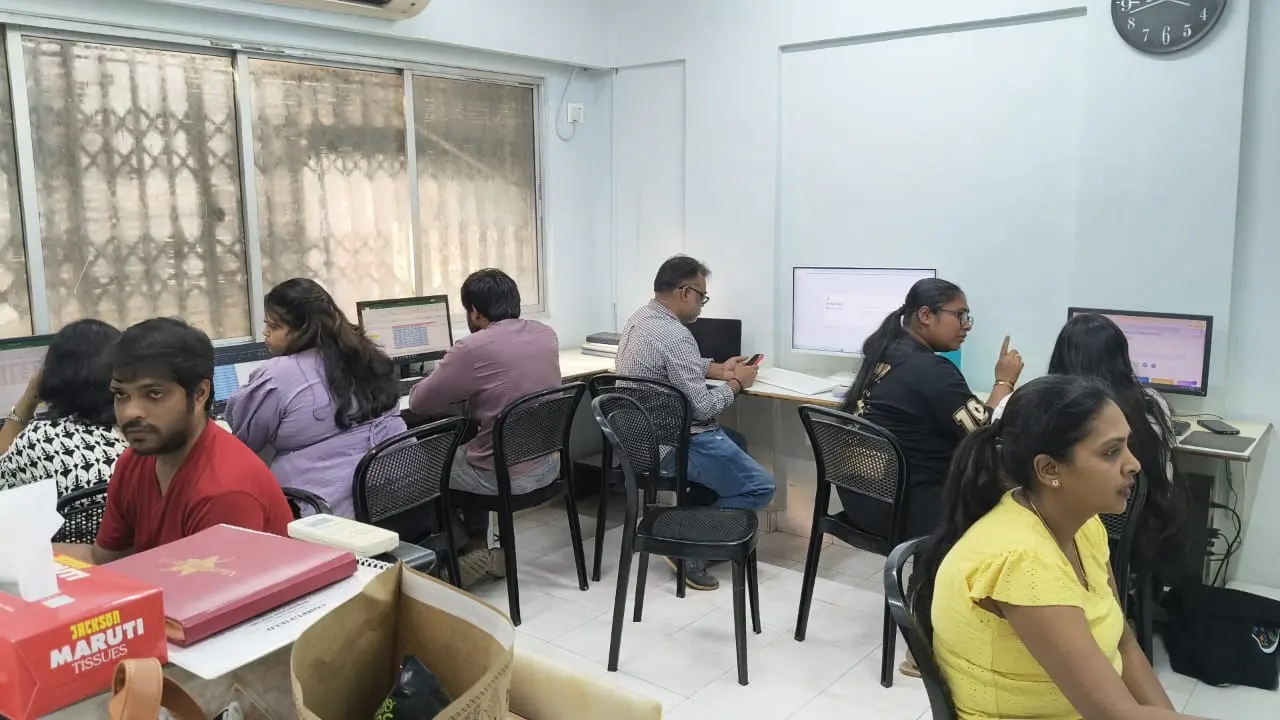
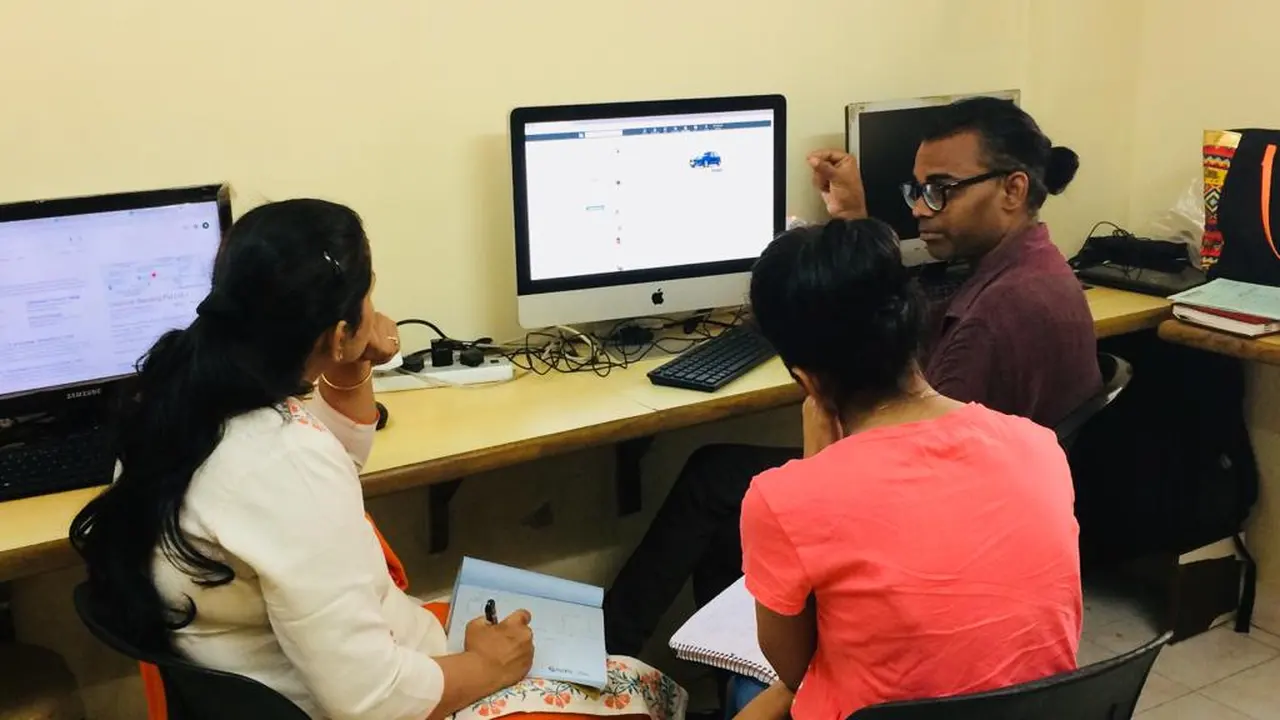
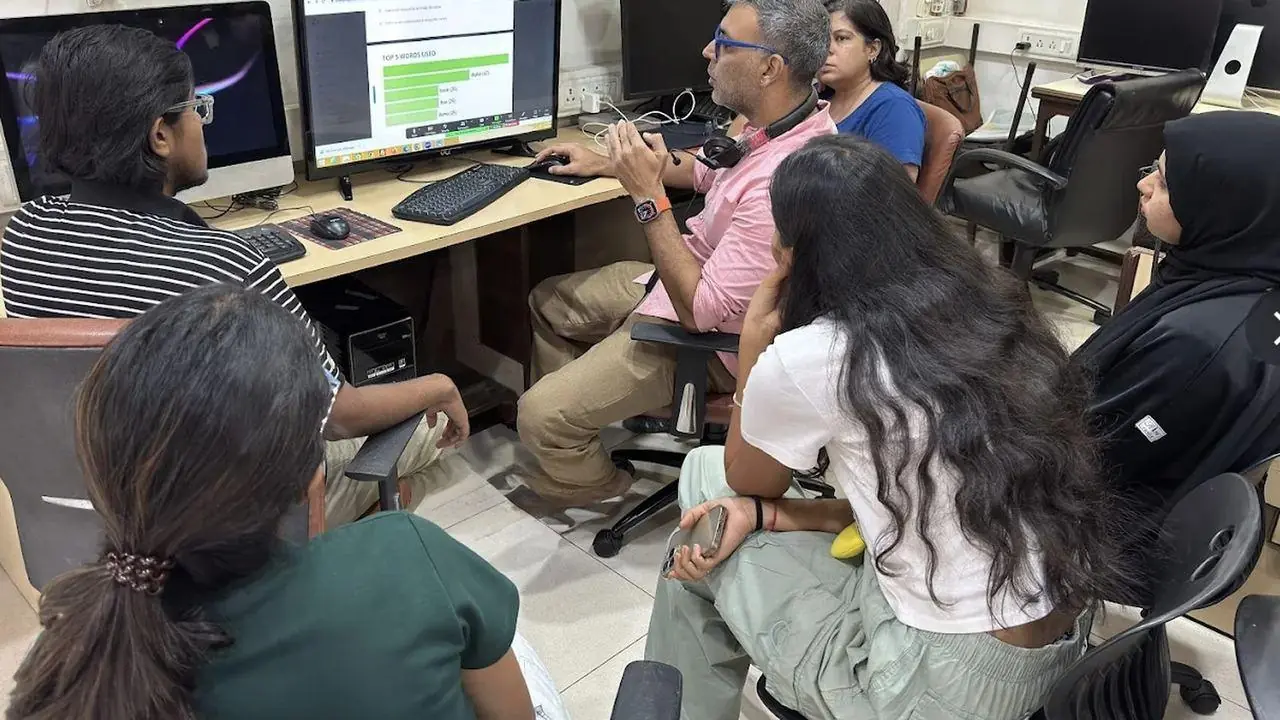
Learn Office Automation on real computers with a trainer beside you, at our centres or at your company.
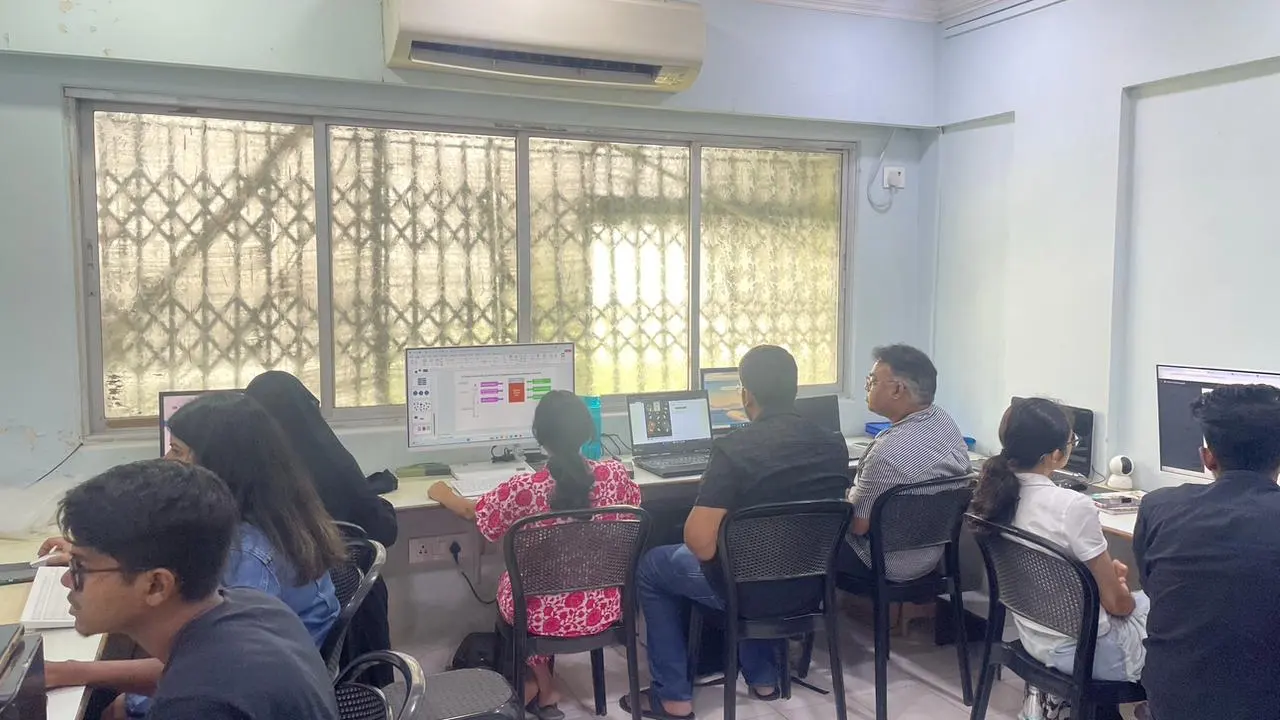
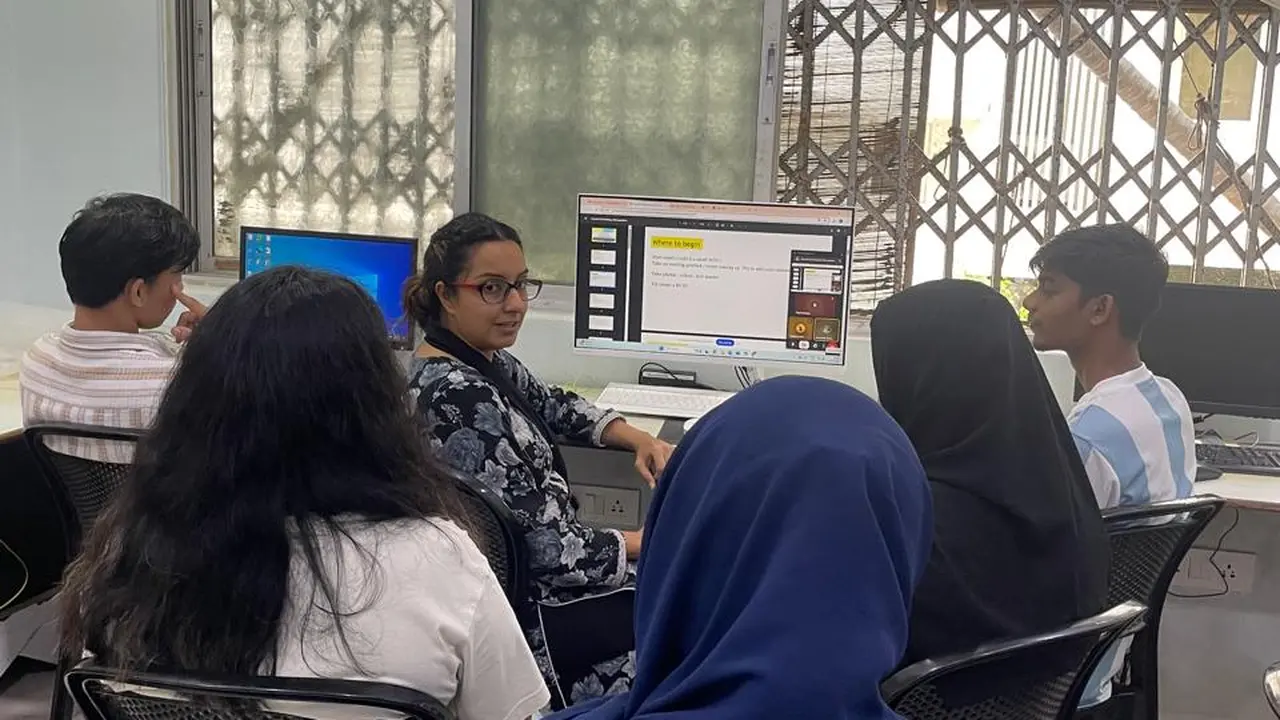
Free demo session
Visit us at Kemps Corner or Bandra (W), or join online. Call or WhatsApp the centre nearest you.
 Head Office
Chinoy Mansion, 1st Floor, Block 2, Warden Road, opp. St. Stephen's Church, Mumbai 400036
+91 98201 34058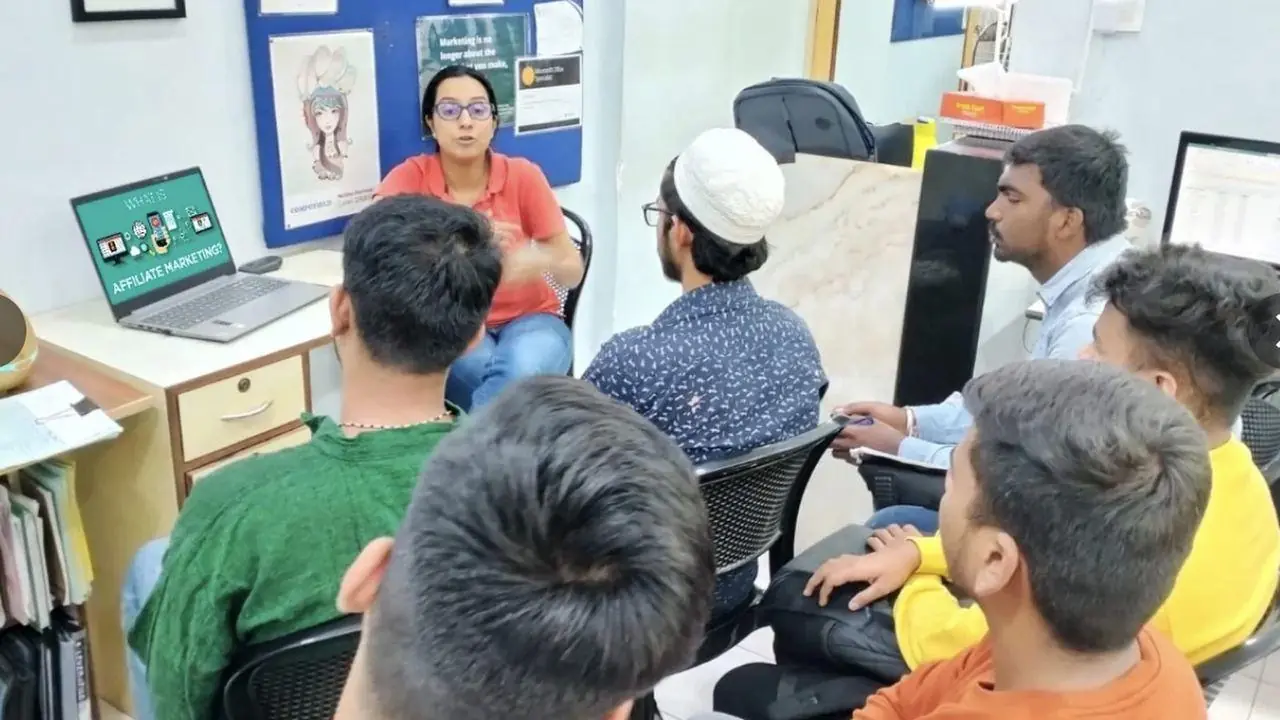
O'Priya Bldg., 1st Floor, Dr. Peter Dias Road, near Mehboob Studio, Bandra (W), Mumbai 400050
+91 98333 61338Live classes with a Compufield trainer, from your home or office, run by both our centres. Online fees are different, so call or WhatsApp either centre.
+91 98201 34058Kemps Corner +91 98333 61338Bandra (W)For companies
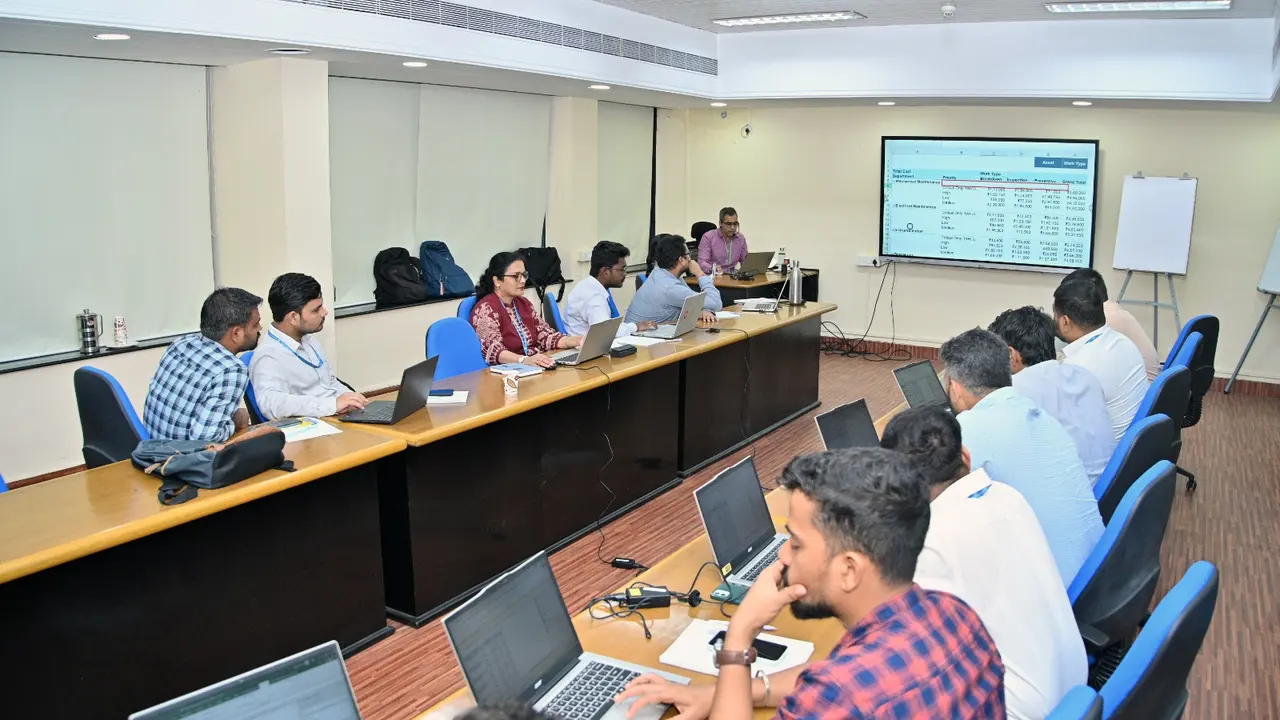
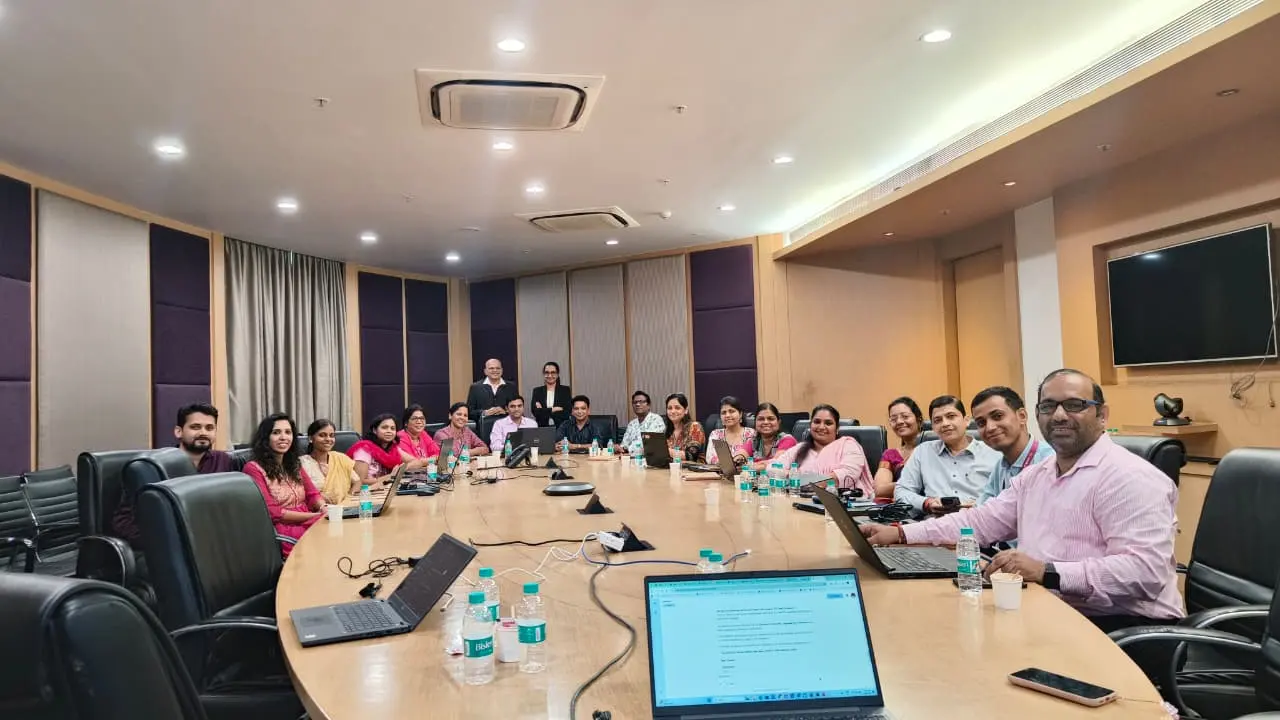
We run these courses as corporate workshops and training programmes for company teams, at your office or at our centres.
Tell us your team size and the tools you use. We'll suggest a workshop that fits.
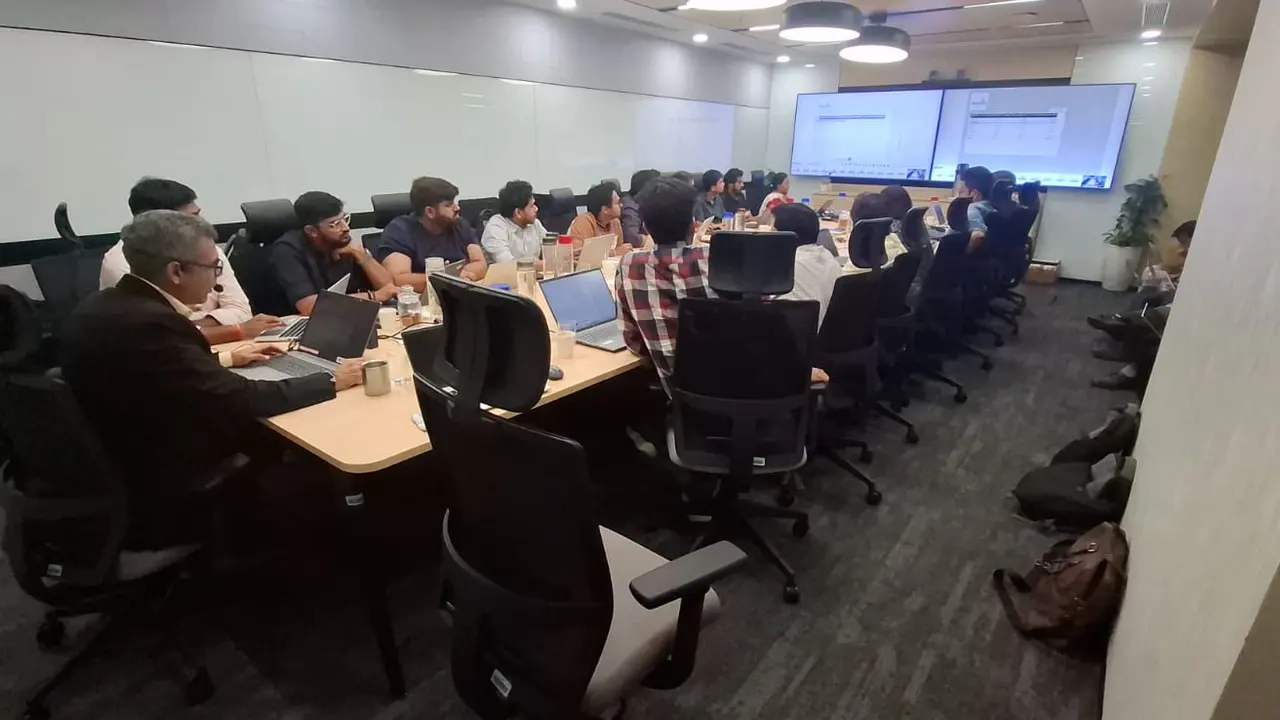
Corporate workshops in action. Led by Faiyaz M Khairaz, Microsoft Certified Trainer, with 22+ years of corporate training.
Student reviews
I have completed my course in diploma in MS office + generative AI. Good institution with teachers.
Great place to learn MS office with AI. The trainers over here are really very helpful and are very…
I completed my ms office + advance excel + tally course from this institute, would recommend this…
Great place to learn digital courses, I have recently completed my Advanced Excel with AI course…
Completed my Advance excel course with AI recently from here.. the course was quite helpful for my…
I recently completed the Advanced AI, Excel & PowerPoint course through online classes at…
50 hours of classroom training at Kemps Corner or Bandra (W), with a trainer beside you.
₹16,000 for classroom training. Live online sessions have different fees, so please call Kemps Corner on +91 98201 34058 or Bandra (W) on +91 98333 61338.
Basic computer knowledge. No prior experience of MS Office or Tally needed.
Both. Classroom training at Kemps Corner and Bandra (W). Live online sessions are run by both centres and have different fees.
Yes. Every course starts with a free demo session.
Yes. We run this course as a corporate workshop at your office.
Book your FREE Demo Session
Kemps Corner · Bandra (W) · Online sessions available