Kemps Corner (H.O) +91 98201 34058WhatsApp +91 98201 34058Bandra (W) +91 98333 61338
Classroom training since 1985 · Kemps Corner · Bandra (W)

Home › Courses › Office Automation › Microsoft PowerPoint Course › Course content

Classroom training · Kemps Corner & Bandra (W)

PowerPoint Syllabus Covered

10 hours · Classroom training · Free demo session

This course teaches PowerPoint as it is used in Microsoft 365 today. You will design professional slides with themes, Designer and Slide Master, present data with SmartArt and charts, add motion with Morph and Zoom, record and share your presentations, and draft slides faster with Copilot.

  • 10 hrs classroom training
  • Fee ₹5,000
  • Free demo session
Online sessions available

Microsoft tools you'll learn

  • Microsoft 365
  • Slide Master
  • Designer
  • Morph & Zoom
  • Video
  • Copilot

Book your FREE Demo Session

We'll call you back to fix a time at Kemps Corner, Bandra (W) or online.

Your details go only to Compufield. We'll call you, no spam.

Course content

Full course content

10 modules, 48 topics. This syllabus is part of 3 courses.

1

Getting started with PowerPoint (Microsoft 365)

  • The PowerPoint window: Ribbon, tabs, Quick Access Toolbar and Search
  • Normal, Outline, Slide Sorter, Notes Page and Reading views
  • Creating presentations from blank, templates and themes
  • Saving to OneDrive and AutoSave, version history
2

Slides and text

  • Adding, duplicating, reusing and deleting slides
  • Slide layouts and placeholders
  • Formatting text, bullets, numbering and line spacing
  • Organising slides into sections
  • Find, replace and Editor spelling and grammar check
3

Themes, design and Slide Master

  • Applying and customising themes, colours and fonts
  • Slide size (16:9 and 4:3) and backgrounds
  • Designer: instant professional slide layouts
  • Slide Master and layout masters for company templates
  • Headers, footers, slide numbers and logos
  • Saving a corporate template (.potx)
4

Pictures, shapes and icons

  • Inserting pictures, stock images, icons and illustrations
  • Cropping, removing backgrounds and picture styles
  • Shapes, merge shapes and the Selection Pane
  • Align, distribute, group and layer objects
  • Format Painter and Eyedropper
5

SmartArt, tables and charts

  • SmartArt for processes, hierarchies and timelines
  • Converting bullet text to SmartArt
  • Creating and formatting tables
  • Inserting charts and linking charts from Excel
  • Embedding and linking Office files
6

Animations and transitions

  • Entrance, emphasis, exit and motion path animations
  • Animation Pane, timing, triggers and Animation Painter
  • Slide transitions and timing
  • Morph transition for smooth, modern effects
  • Zoom: summary, section and slide zoom for interactive navigation
7

Audio, video and recording

  • Inserting and trimming audio and video
  • Screen recording inside PowerPoint
  • Recording a slide show with narration and camera (Cameo)
  • Exporting a presentation as a video (MP4)
8

Presenting with confidence

  • Presenter View, speaker notes and pen tools
  • Rehearse with Speaker Coach
  • Set Up Slide Show, custom shows and hyperlinks
  • Live subtitles while presenting
  • Presenting in Microsoft Teams
9

Collaborate, review and share

  • Sharing from OneDrive and co-authoring in real time
  • Comments, @mentions and tracking changes with Compare
  • Accessibility Checker and alt text
  • Printing handouts and notes pages
  • Exporting to PDF and protecting a presentation
10

Copilot and AI in PowerPoint

  • Create a presentation from a prompt or a Word document with Copilot
  • Add slides, images and speaker notes with Copilot
  • Summarise a long presentation
  • Writing good prompts and checking AI output (Copilot needs a Microsoft 365 Copilot licence)
Diploma in Office Automation: details, fees & free demo →Certificate in Office Automation: details, fees & free demo →Microsoft PowerPoint Course: details, fees & free demo →

Fees and options

Fees and related courses

This course is highlighted. Every course starts with a free demo session.

Fees shown are for classroom training at Kemps Corner and Bandra (W). Live online sessions have different fees: call or WhatsApp +91 98201 34058 (Kemps Corner) or +91 98333 61338 (Bandra (W)).

Learn Word, Excel and PowerPoint togetherThe Certificate in Office Automation covers all three.Certificate course →

Inside our classrooms

Real classrooms. Real trainers.

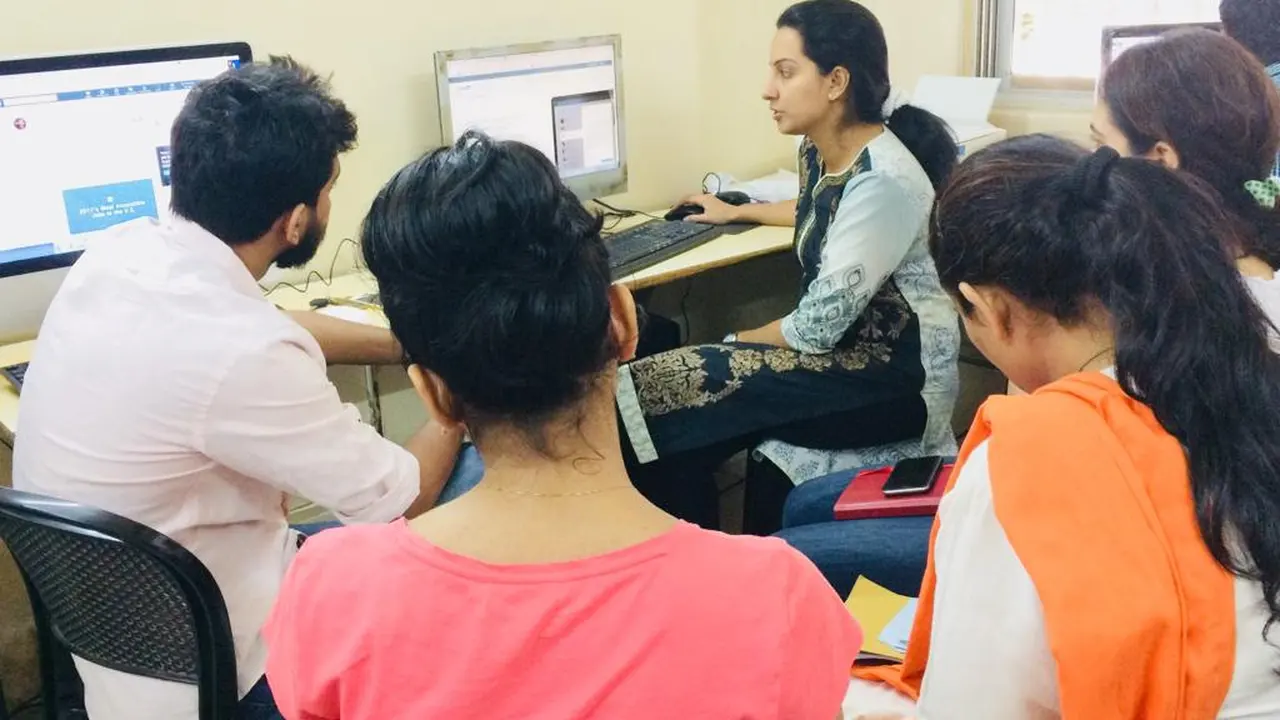
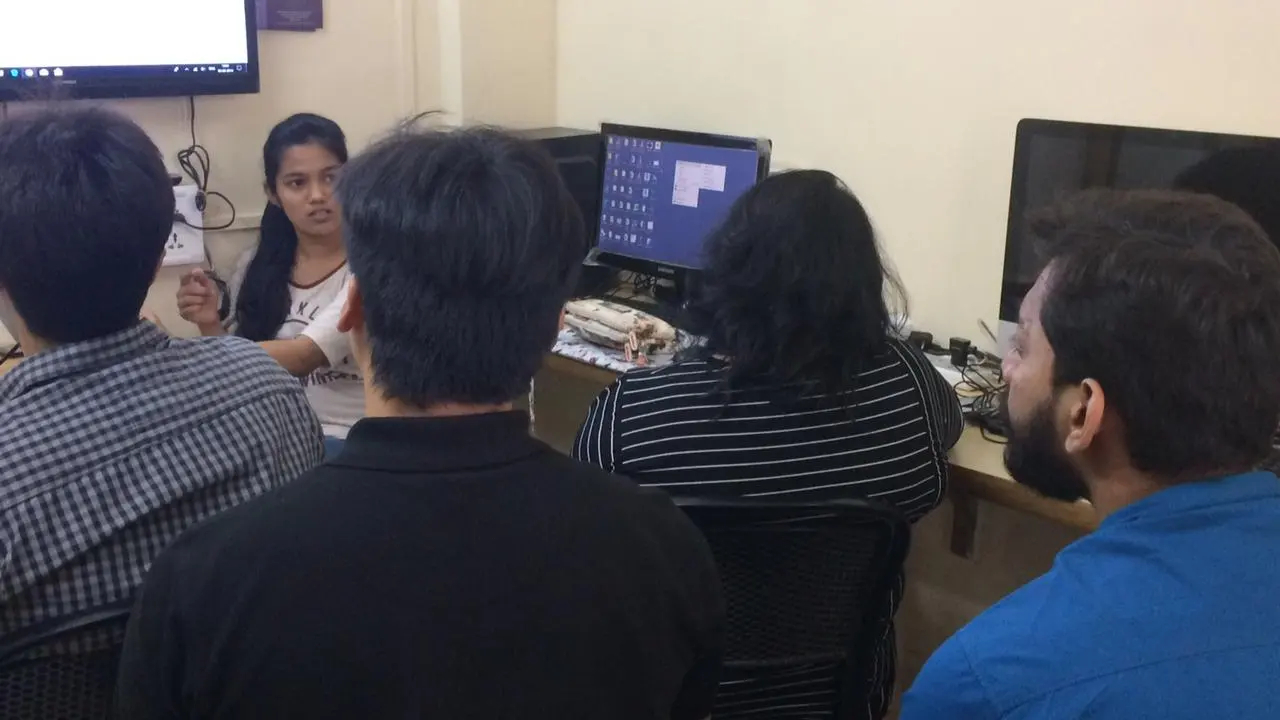
Learn PowerPoint on real computers with a trainer beside you, at our centres or at your company.
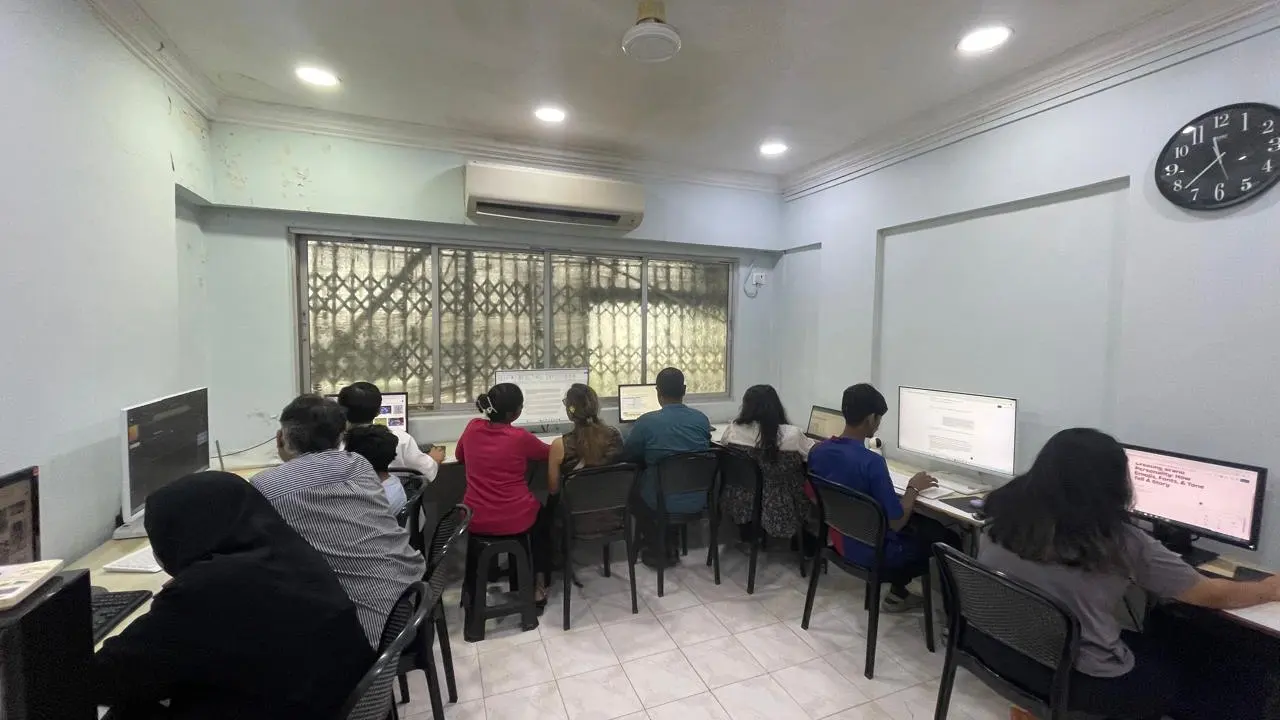
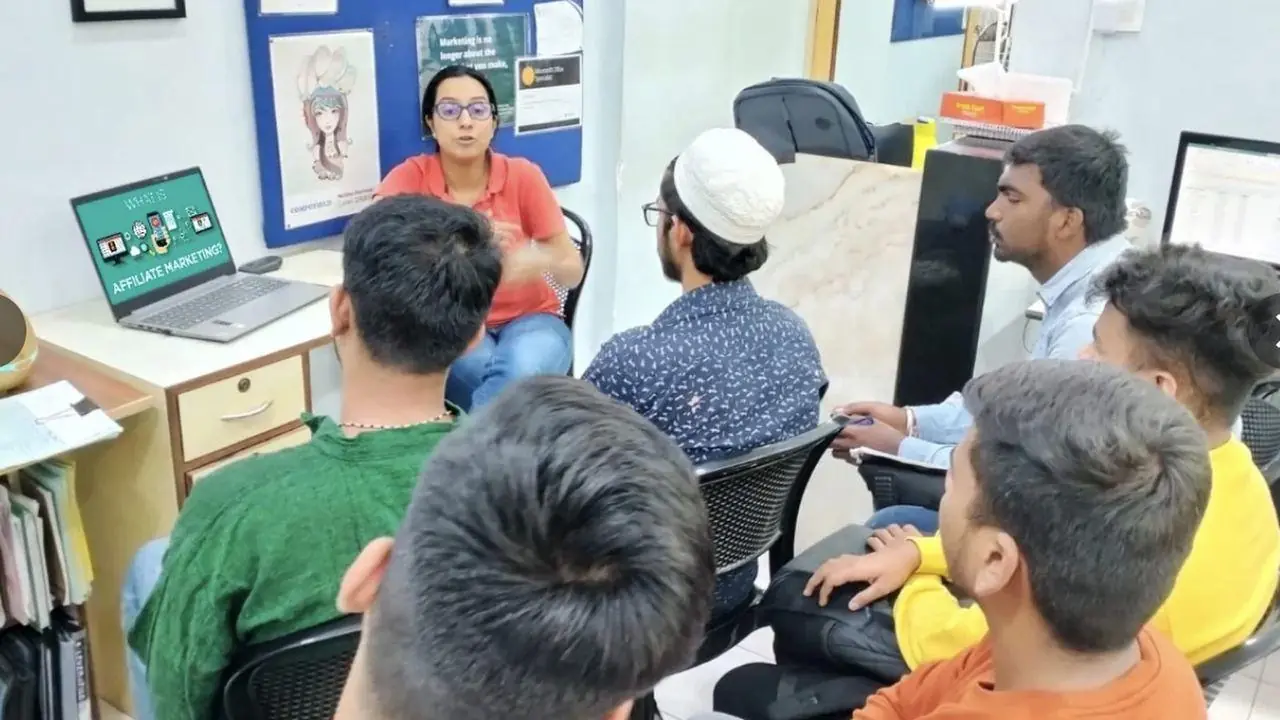
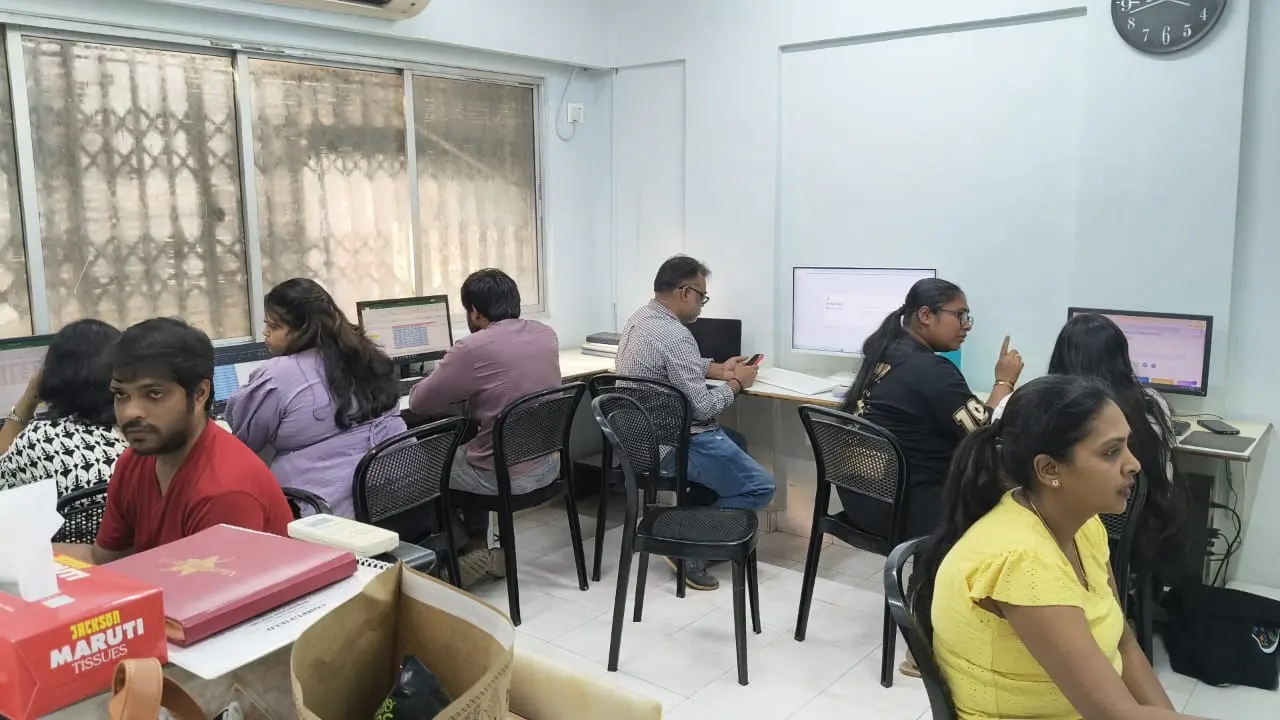
PowerPoint class with students at Compufield Bandra (W)
Bandra (W)
PowerPoint class with students at Compufield Bandra (W)
Bandra (W)
PowerPoint class with students at Compufield Bandra (W)
Bandra (W)
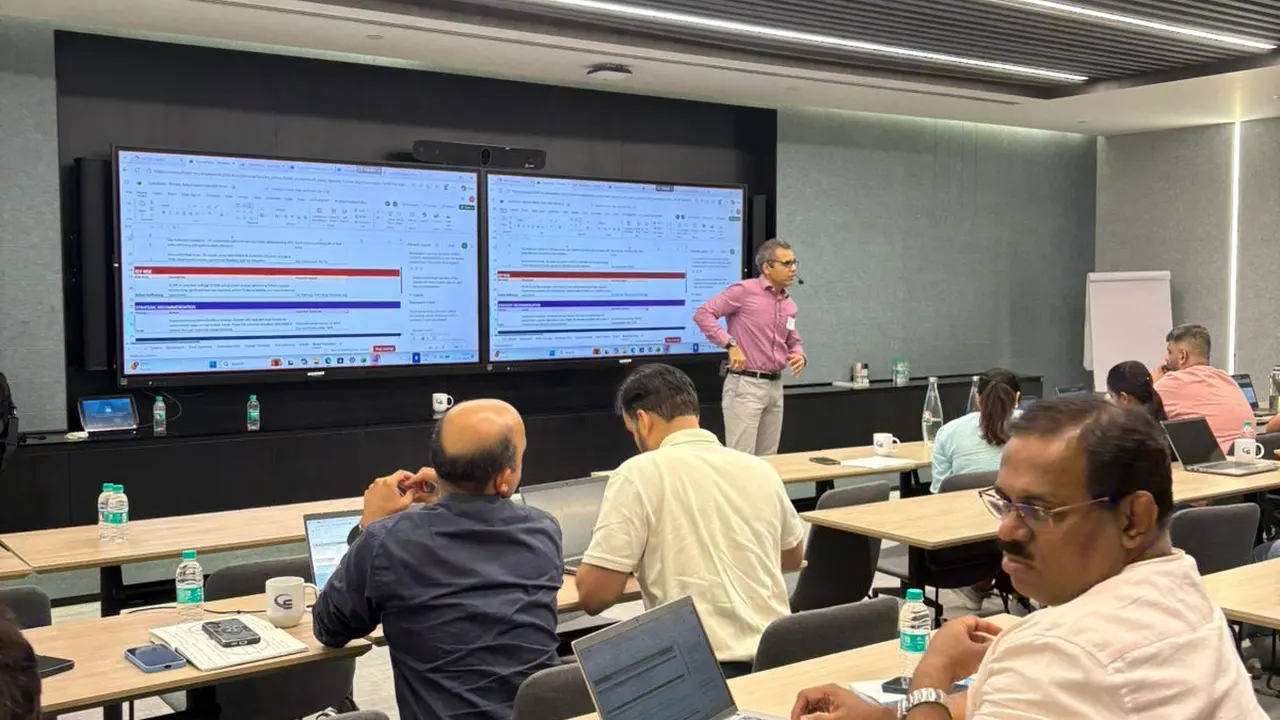
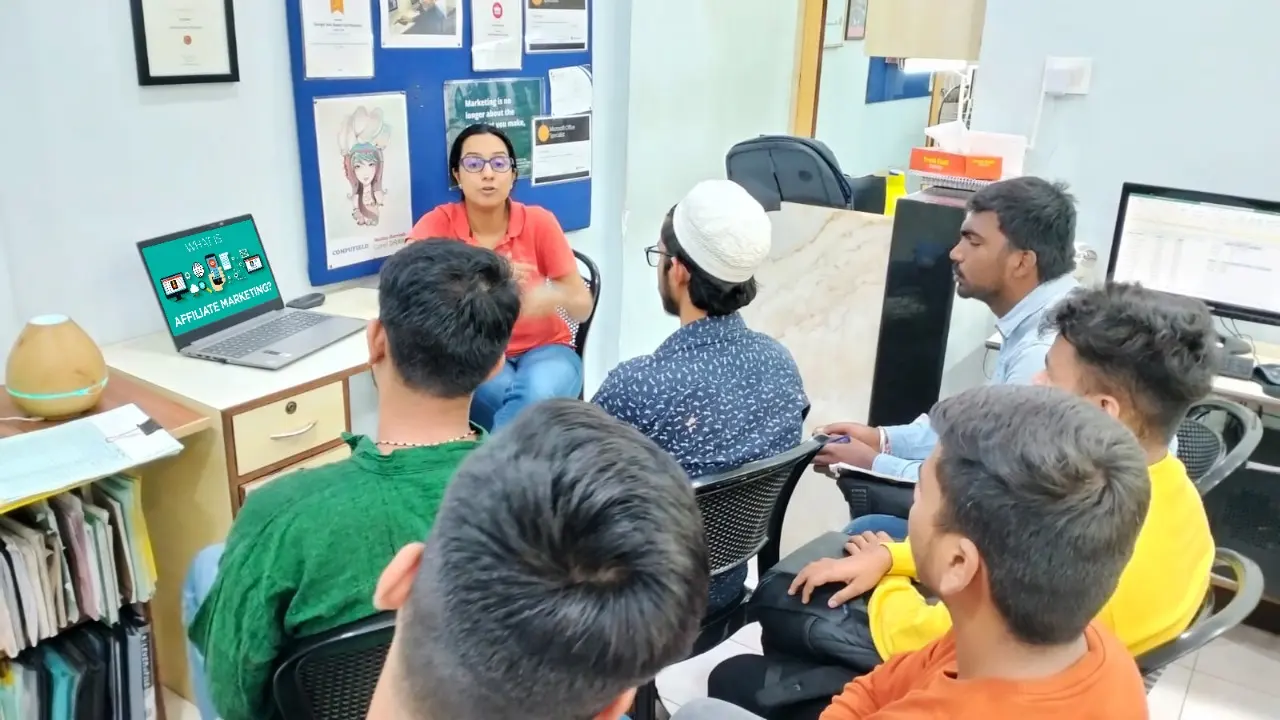
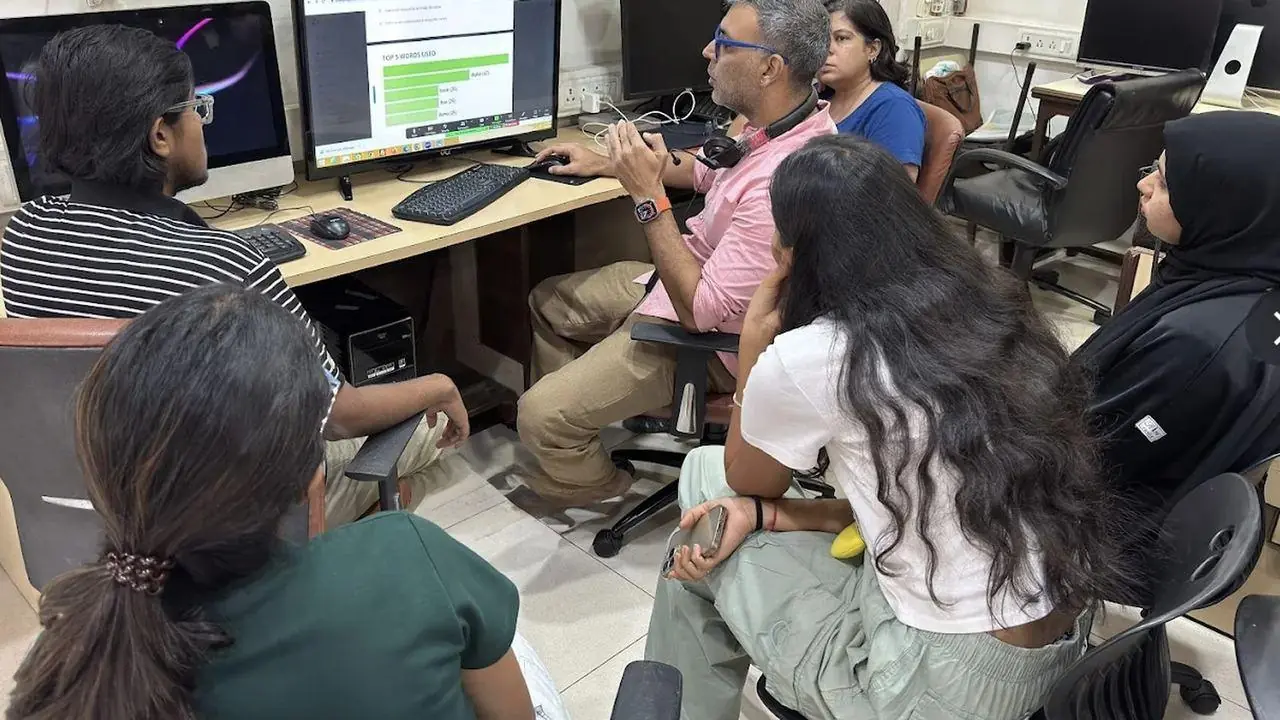
Corporate PowerPoint training for a company team in Mumbai
Corporate training
Corporate PowerPoint training for a company team in Mumbai
Corporate training

Free demo session

Book your FREE Demo Session

Visit us at Kemps Corner or Bandra (W), or join online. Call or WhatsApp the centre nearest you.
For companies

Corporate PowerPoint training

We run these courses as corporate workshops and training programmes for company teams, at your office or at our centres.

  • Training at your office (client location)
  • MS Office, Excel and MIS training for company teams
  • Customised content for your industry and data
  • Copilot for Microsoft 365 for your teams

Train your team

Tell us your team size and the tools you use. We'll suggest a workshop that fits.

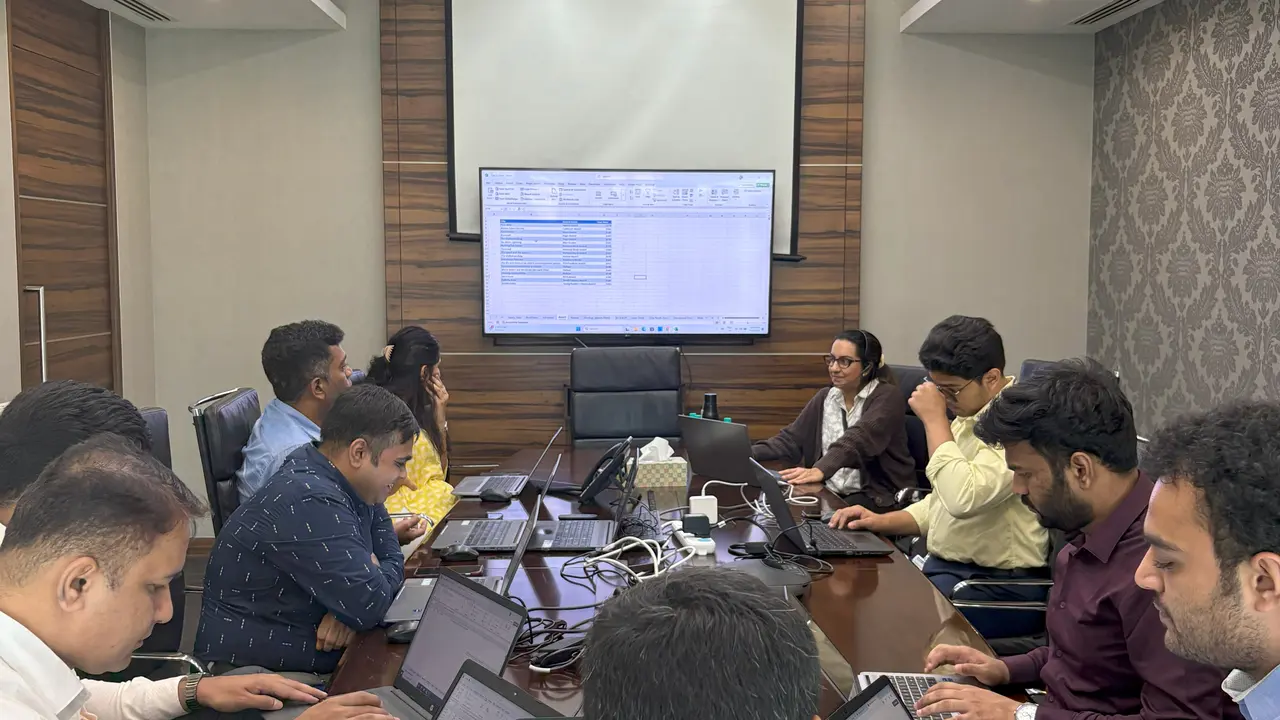
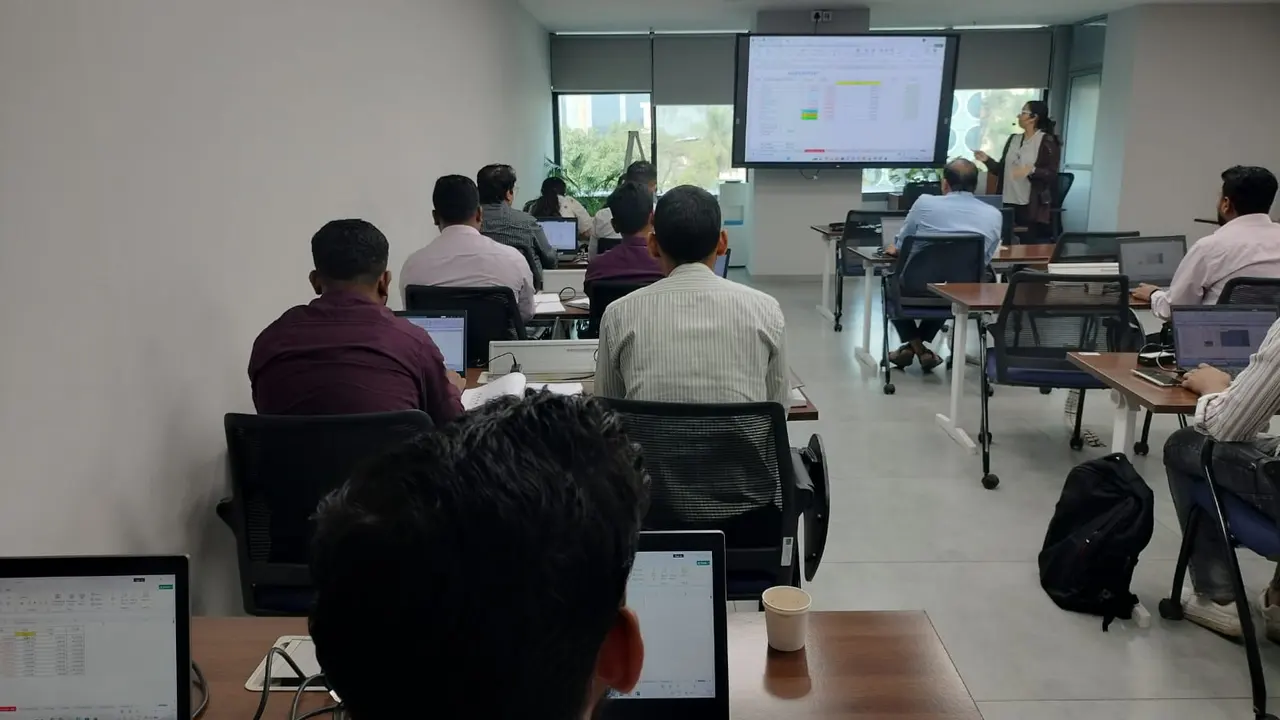
Corporate workshops in action. Led by Faiyaz M Khairaz, Microsoft Certified Trainer, with 22+ years of corporate training.

Student reviews

What our students say

Read all reviews on Google ↗
★★★★★
I have completed my course in diploma in MS office + generative AI. Good institution with teachers.
Vedant S.MS Office + Generative AI · Sep 2026 · Google review
★★★★★
Great place to learn MS office with AI. The trainers over here are really very helpful and are very…
Taha M.MS Office with AI · Sep 2026 · Google review
★★★★★
I completed my ms office + advance excel + tally course from this institute, would recommend this…
Saba Q.MS Office, Advanced Excel & Tally · Aug 2026 · Google review
★★★★★
Great place to learn digital courses, I have recently completed my Advanced Excel with AI course…
Sukanya B.Advanced Excel with AI · Aug 2026 · Google review
★★★★★
Completed my Advance excel course with AI recently from here.. the course was quite helpful for my…
Raj S.Advanced Excel with AI · Aug 2026 · Google review
★★★★★
I recently completed the Advanced AI, Excel & PowerPoint course through online classes at…
Sk Shabir A.AI, Excel & PowerPoint · Online · Jul 2026 · Google review

Questions about the Microsoft PowerPoint Course

How long is the Microsoft PowerPoint Course?

10 hours of classroom training at Kemps Corner or Bandra (W), with a trainer beside you.

What are the fees?

₹5,000 for classroom training. Live online sessions have different fees, so please call Kemps Corner on +91 98201 34058 or Bandra (W) on +91 98333 61338.

What should I know before joining?

Basic computer knowledge.

Are classes in the classroom or online?

Both. Classroom training at Kemps Corner and Bandra (W). Live online sessions are run by both centres and have different fees.

Can I try a class before joining?

Yes. Every course starts with a free demo session.

Do you train company teams?

Yes. We run this course as a corporate workshop at your office.

Book your FREE Demo Session

Kemps Corner · Bandra (W) · Online sessions available

WhatsApp us
WhatsApp usFree Demo
Chat with us on WhatsApp

What would you like to learn? We'll reply on +91 98201 34058.

Start WhatsApp chat →